

How to try on Zara items with DrapeAI
- Find the piece in the Zara app or site and copy its product link — Zara stock moves quickly, so do this while the size is still there.
- Paste it into DrapeAI, or upload a screenshot if the link isn't supported.
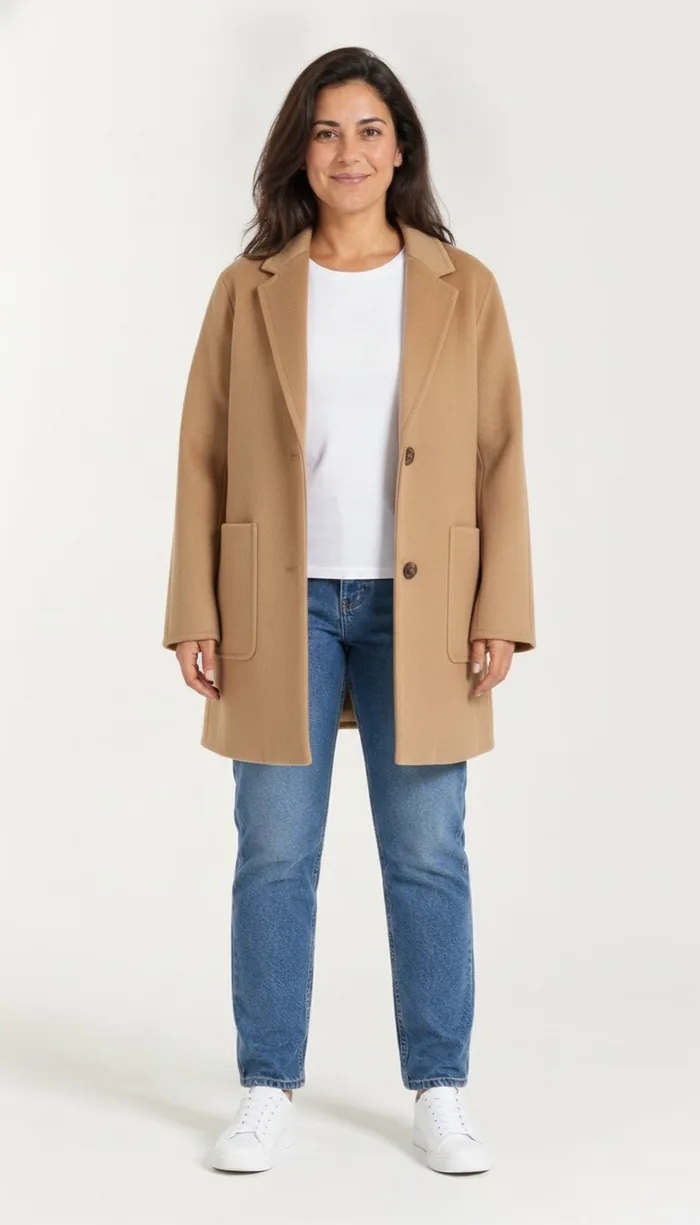
- Preview it on a front-facing full-body photo, or on a custom avatar if you're judging tailoring.
- Check the shoulder line and hem, then order the one size you're confident about rather than two.
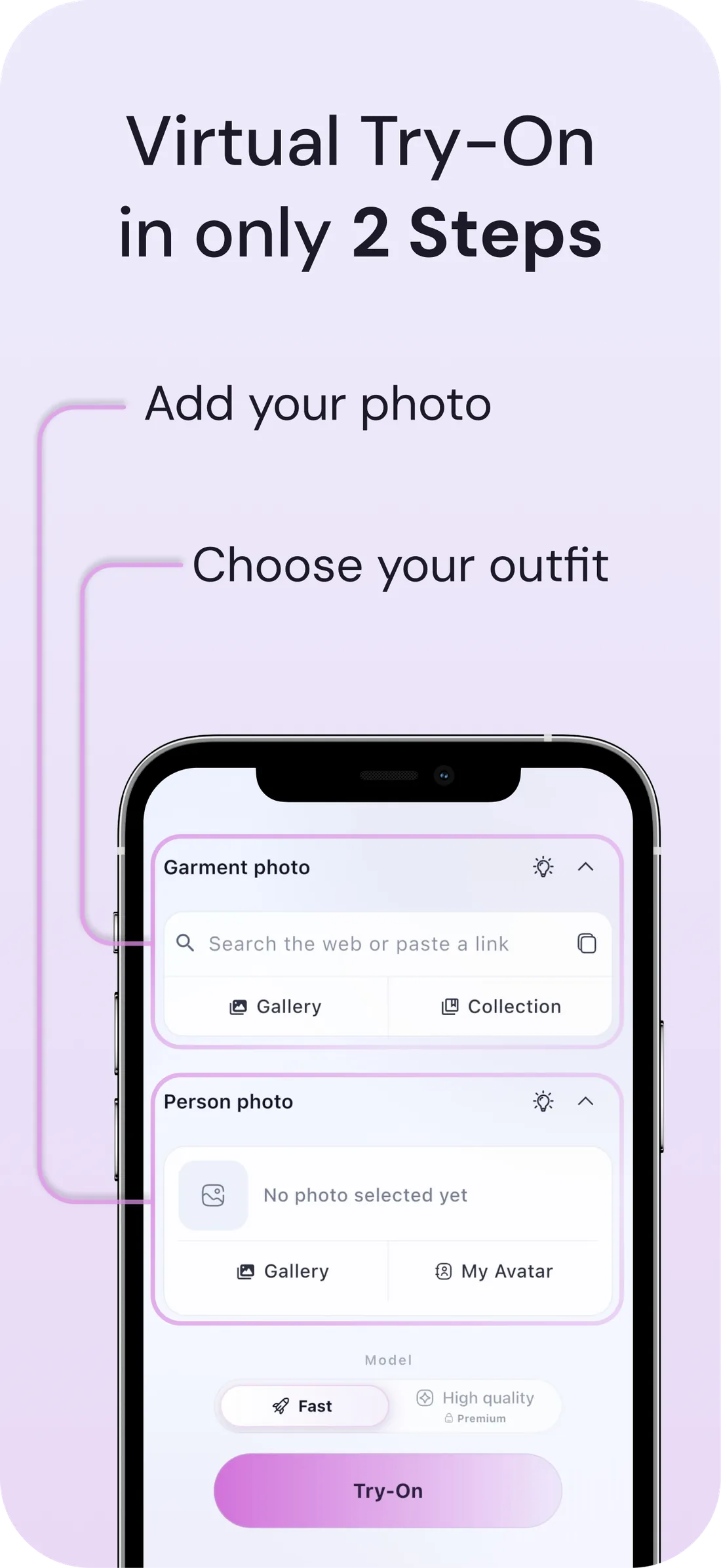
What a DrapeAI result looks like
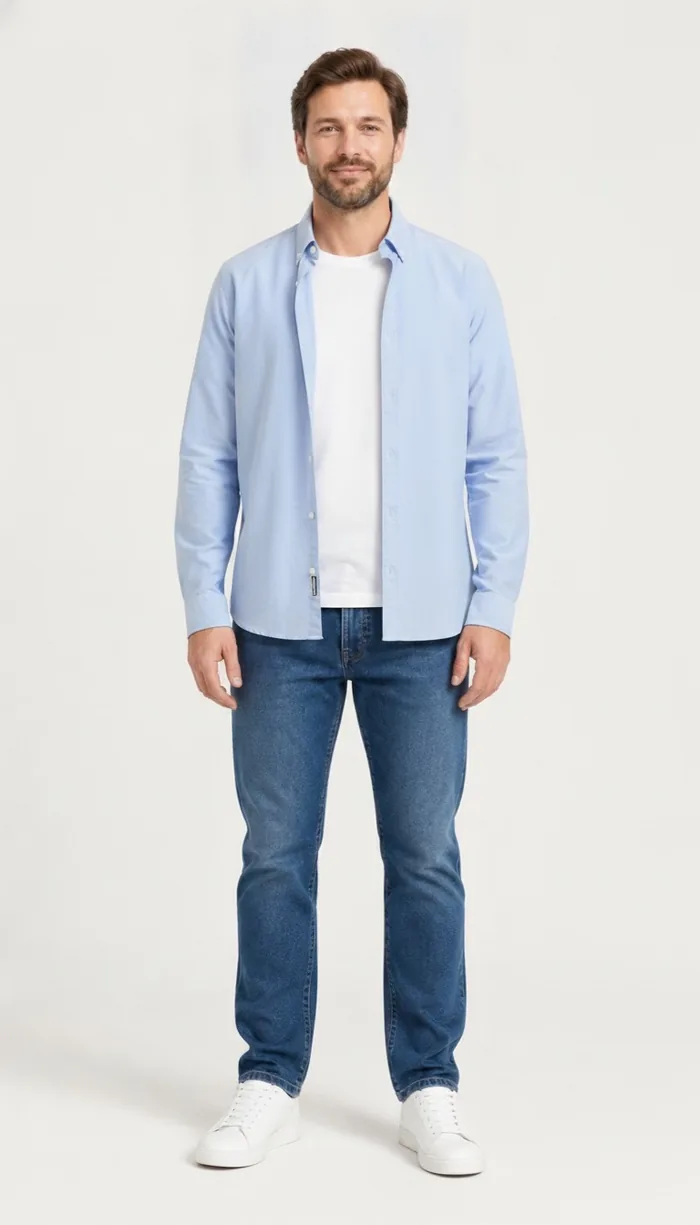
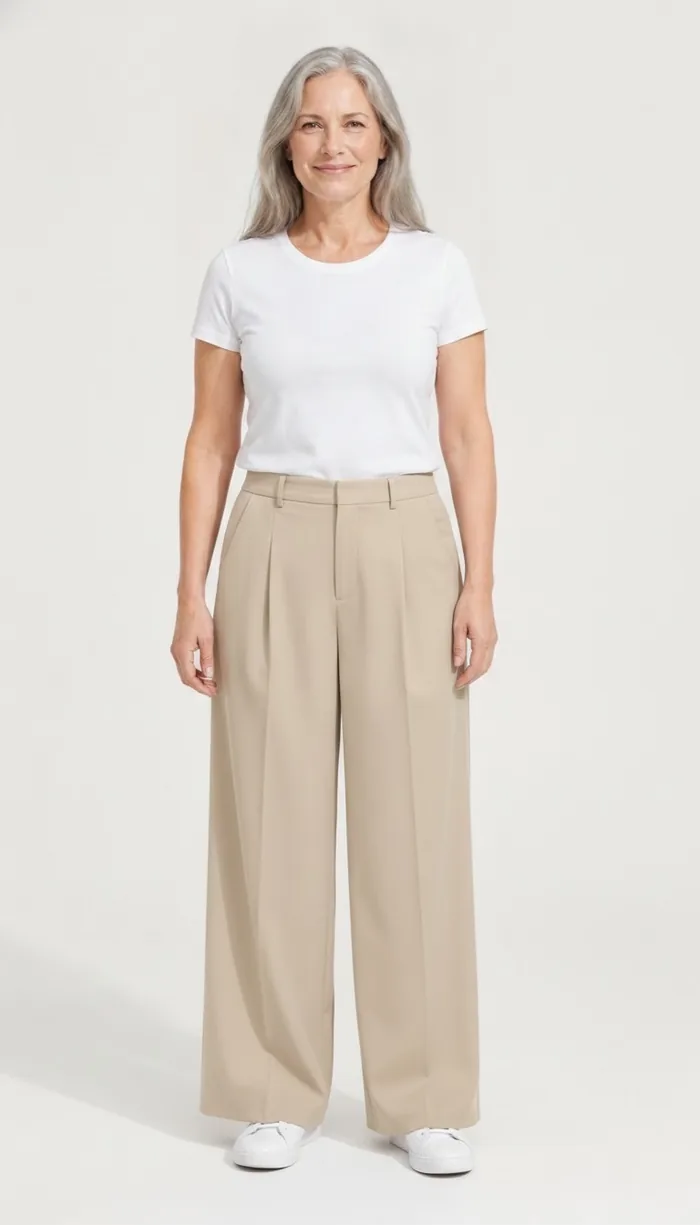
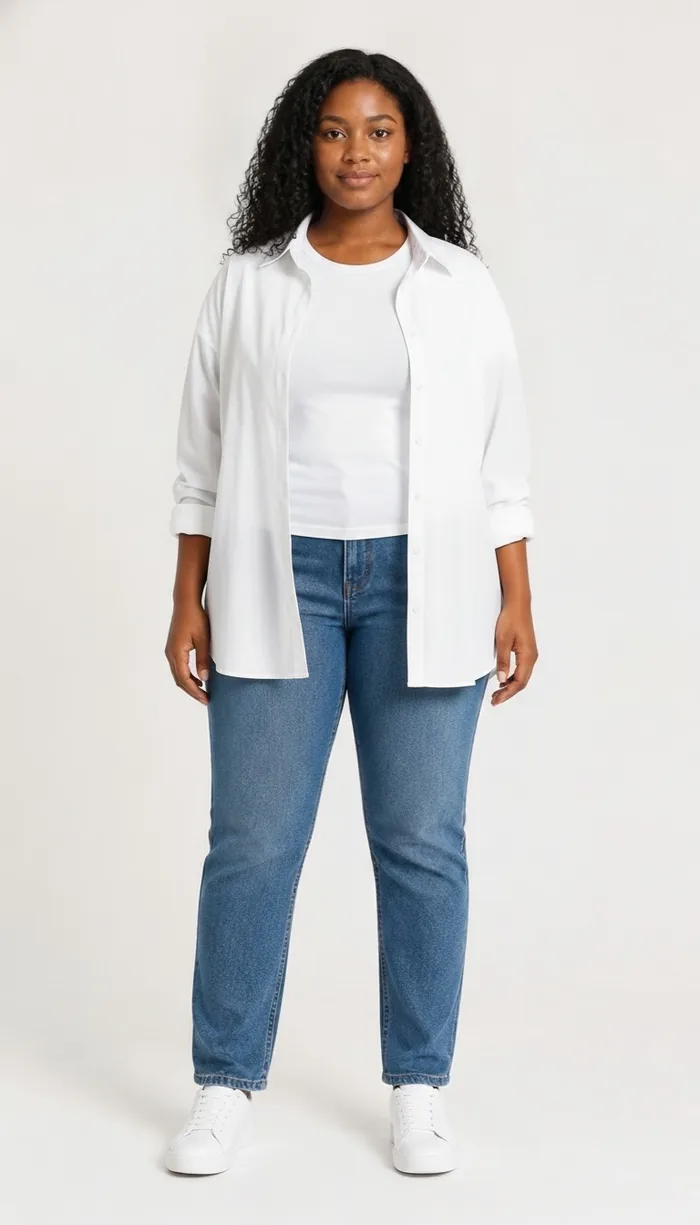
Example results produced with DrapeAI. The garments shown are our own and are not products of any retailer.
Why try on Zara pieces first
Zara is known for trend-driven, runway-inspired pieces that drop frequently and sell out fast. Styles lean tailored and elevated, and fit can vary a lot between collections — which is exactly when seeing an item on yourself first pays off.
Because Zara's turnover is so quick, returns are a hassle and popular sizes disappear. Previewing the look on your body helps you commit to the right piece the first time.
Fast turnover changes what a return costs
At a slower retailer, a wrong size is an inconvenience: you send it back and reorder. At Zara, the reorder often isn't available. By the time the parcel has gone back, the size you actually needed has sold through and the collection has moved on.
That turns the first order into the only order. Previewing before checkout isn't about avoiding postage here — it's about not losing the piece entirely to a sizing guess.
Where Zara's fit is least predictable
Zara's cuts vary noticeably between collections and sub-lines, which is part of why sizing feels inconsistent even to regular shoppers. The categories where that variance costs the most:
- Blazers and structured outerwear — shoulder width shifts between drops more than the size label suggests.
- Wide-leg and tailored trousers — the rise and break define the whole silhouette.
- Occasion pieces — bought for one date, often from a limited run.
- Knitwear and slip dresses — close-following fabrics with little tolerance for guessing.
Tips for the best results
- Copy the product link from the Zara app or site, or screenshot the item, then bring it into DrapeAI.
- Use a clear, front-facing, full-body photo in good light for the most realistic result.
- Trying structured pieces like blazers or tailored trousers? A custom avatar from your measurements gives the most consistent fit preview.
- Zara moves on quickly, so the pieces worth keeping are the ones that combine with what you own — save them to your digital wardrobe, let the AI outfit generator find new ways to wear them, and plan the rotation in the outfit planner.