
How to try on Zalando items with DrapeAI
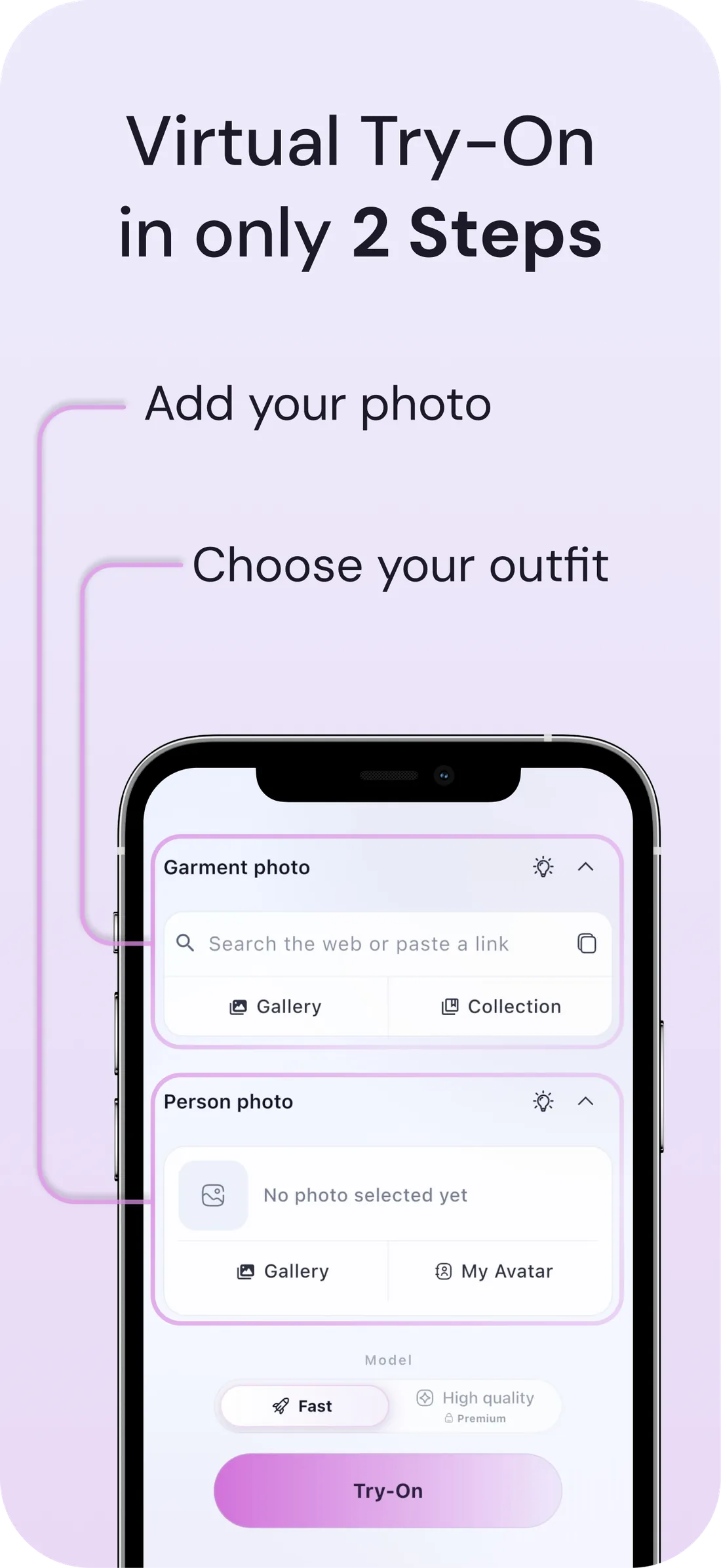
- Copy the product link from the Zalando app or site, or screenshot the item.
- Paste it into DrapeAI and pick the image you want from the search, or upload the image if the results don't show it.
- Preview it on a full-body photo — and preview the alternatives too, rather than ordering them.
- Order the one you chose, not the three you were hedging between.
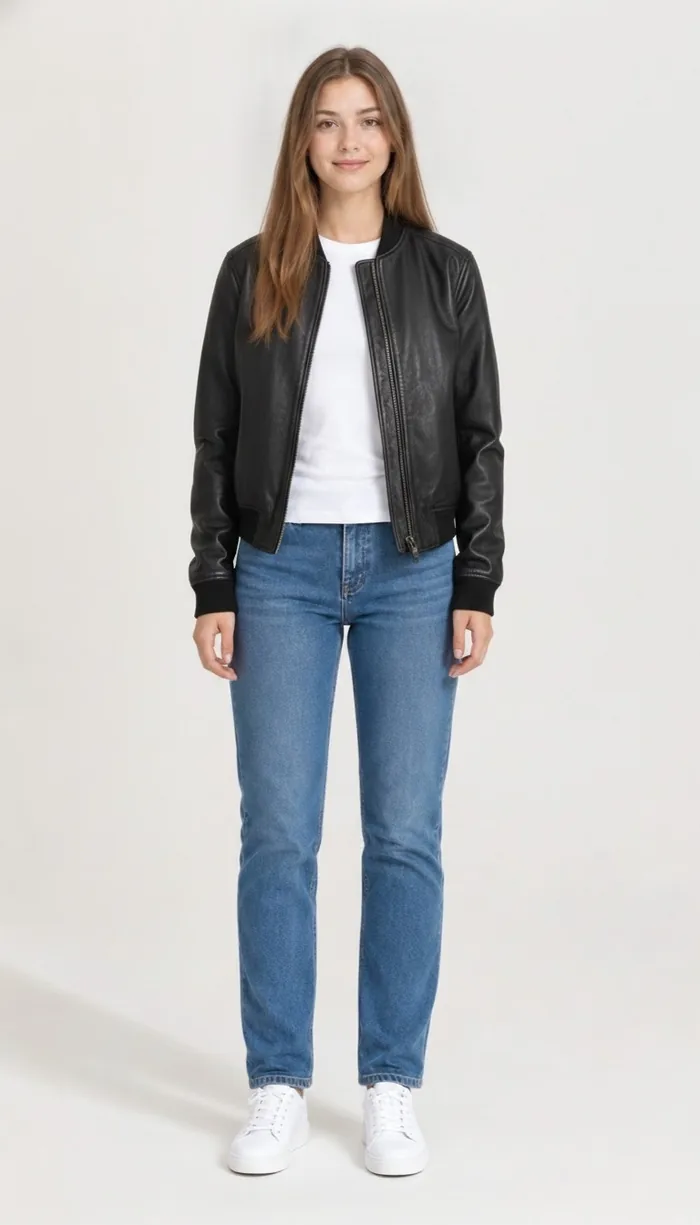
What a DrapeAI result looks like
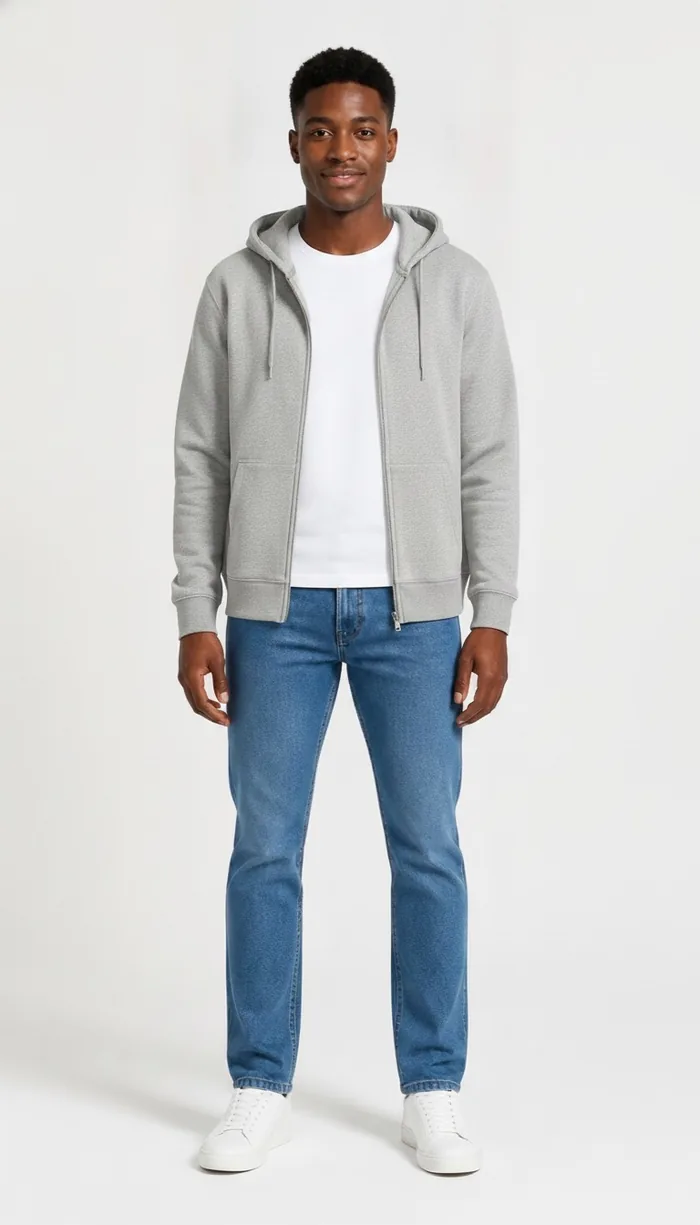
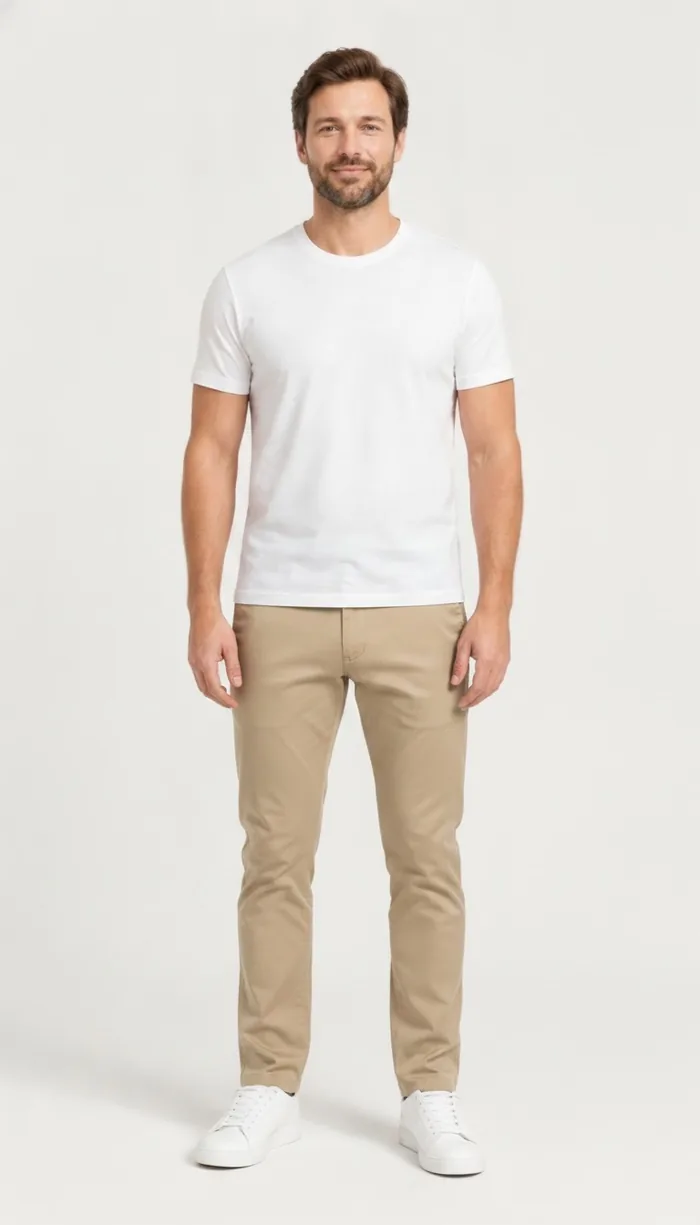
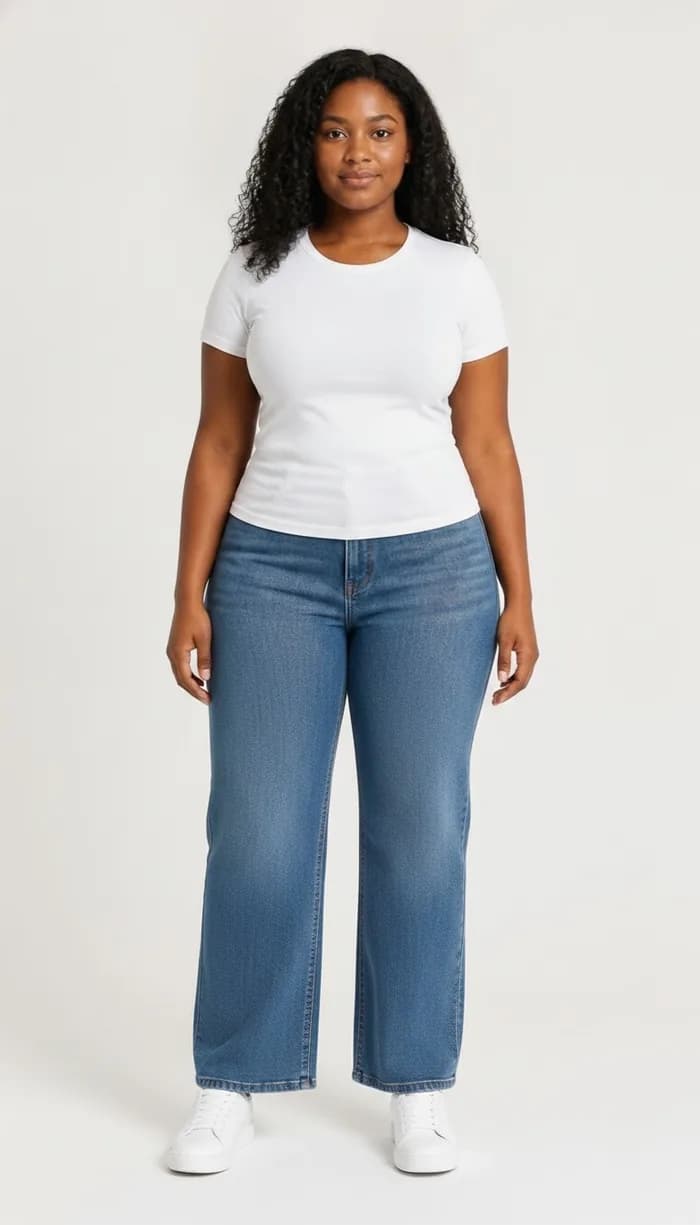
Example results produced with DrapeAI. The garments shown are our own and are not products of any retailer.
Why try on Zalando pieces first
Zalando is one of Europe's largest fashion destinations, carrying a huge mix of brands and styles. The sheer range is great for choice but makes it hard to judge how any single piece will look on you.
Seeing the item on yourself first turns endless browsing into confident decisions — and fewer returns across the brands Zalando stocks.
Easy returns quietly taught everyone to over-order
Zalando is widely associated with a straightforward returns process, and that convenience is real. It also changed how people shop: when sending something back is frictionless, ordering three sizes stops feeling like a decision and starts feeling like the normal way to buy clothes.
The friction doesn't vanish though — it moves to you. It becomes the parcels waiting by the door, the repacking, the refund you're still tracking three weeks later, and the delivery miles generated for two garments nobody kept.
Previewing before checkout is an attempt to make the first choice good enough that the hedge isn't needed. Not because returns are hard, but because not needing them is better.
One platform, hundreds of sizing standards
Zalando's catalogue spans a very wide range of European and international brands, each carrying its own sizing. A 40 from one label and a 40 from another can be noticeably different garments, and the platform can't normalise that for you.
- Read the size guide on the specific brand's listing rather than relying on your usual number.
- Preview competing options on the same photo so you're comparing garments, not photography.
- Save what you keep to your digital wardrobe so the next order is judged against it.
Browsing a catalogue this size is its own problem
Zalando's scale means almost any search returns more results than anyone can meaningfully evaluate. Filters narrow the category but not the judgement — you still end up with forty coats that all look plausible in a grid.
Previewing turns that grid into a shortlist. Instead of picking three to order and letting the delivery decide, you see the main candidates on your own body and reduce it to one before paying. The basket gets smaller and the keep rate goes up, which is the only return-rate fix that doesn't rely on willpower.
Tips for the best results
- Copy a Zalando product link or screenshot the item, then try it on in DrapeAI.
- Fits vary by brand on Zalando — use the visual try-on together with each brand's size guide.
- Upload a front-facing, full-body photo in good light for the most realistic result.
- Zalando spans hundreds of brands, so pieces rarely arrive as a planned outfit. Add what you keep to your digital wardrobe and the AI outfit generator will assemble looks across them.