



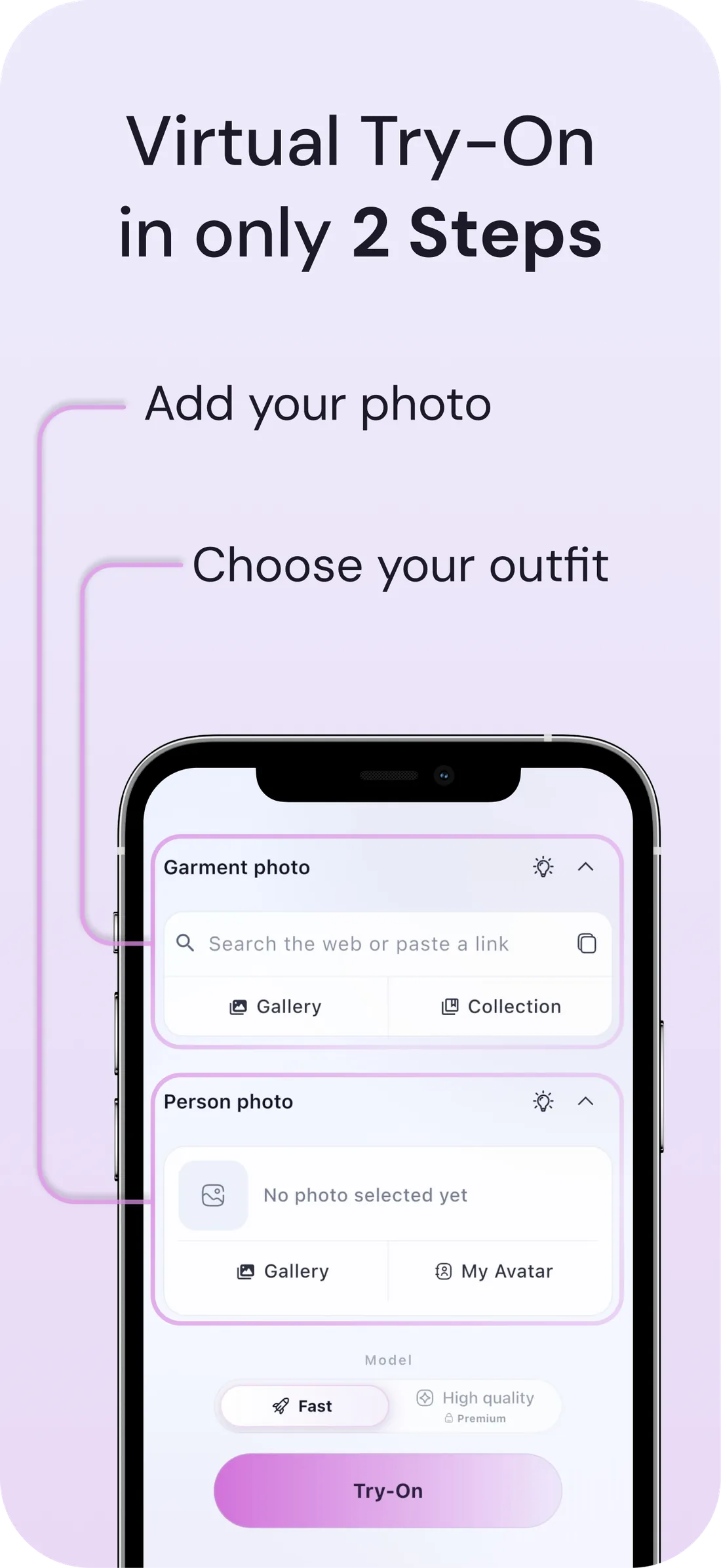
How to try on ASOS items with DrapeAI
- Find the item on ASOS and copy its product link, or screenshot it.
- Paste it into DrapeAI, or upload the image directly.
- Preview it on a full-body photo and check the proportions against your own height, not the model's.
- Confirm which fit line you're ordering from, then buy the one you've seen.
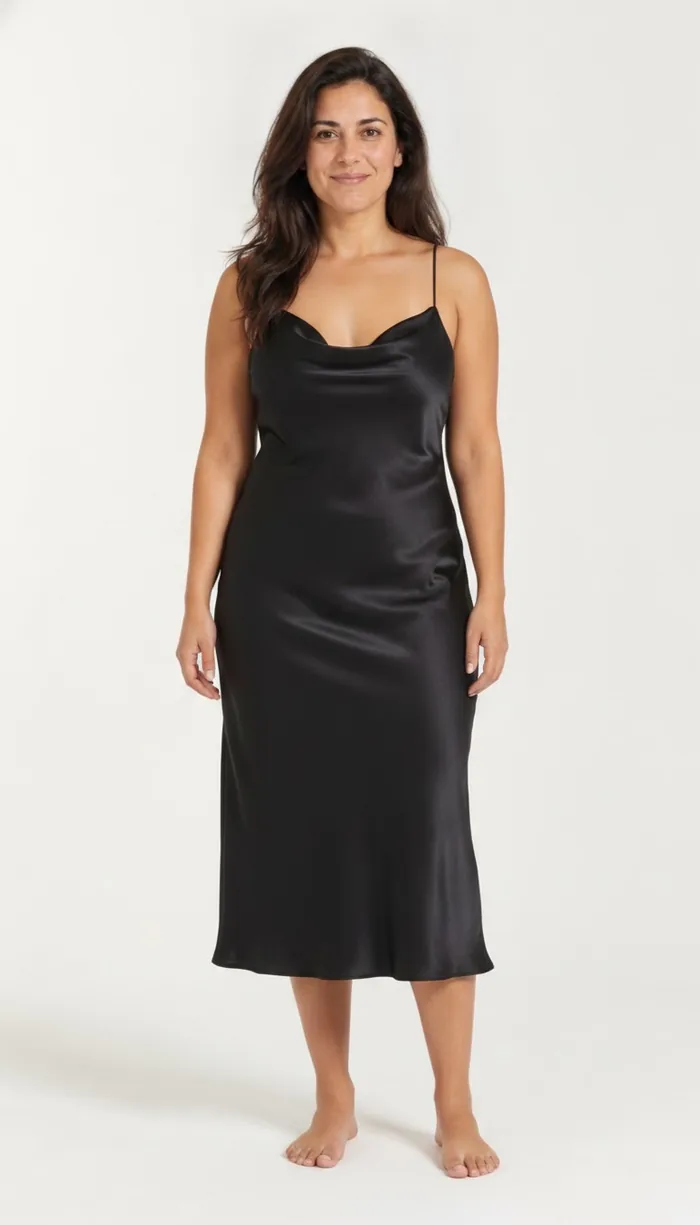
What a DrapeAI result looks like
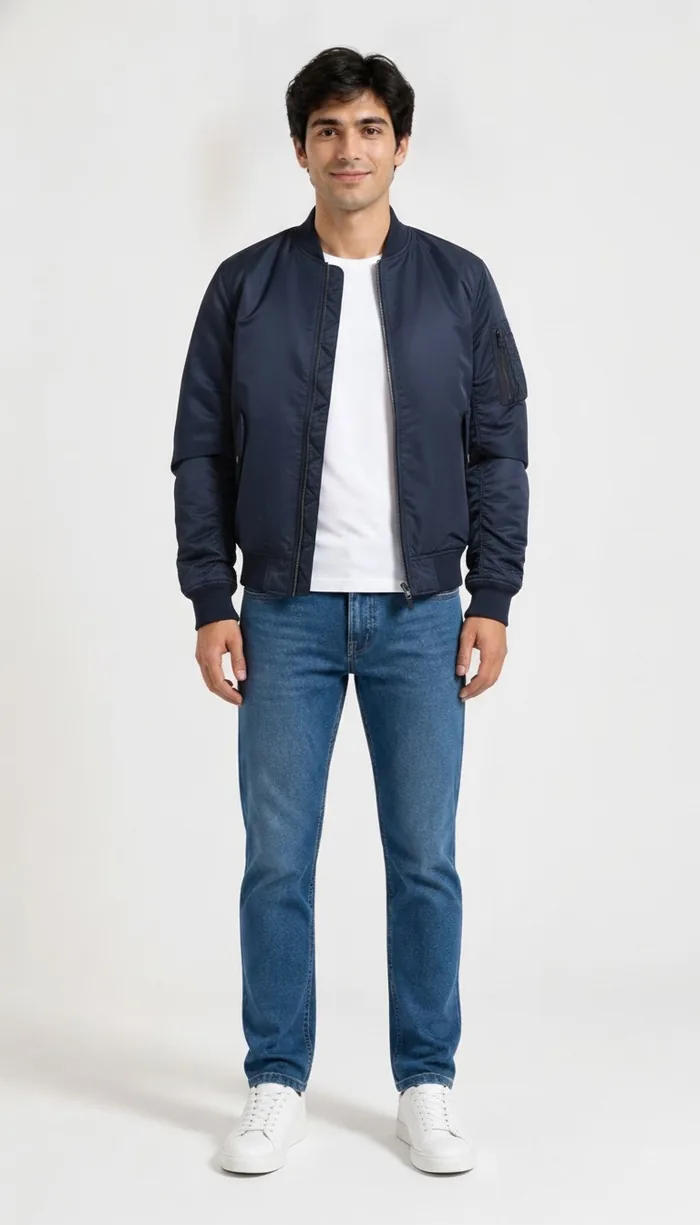
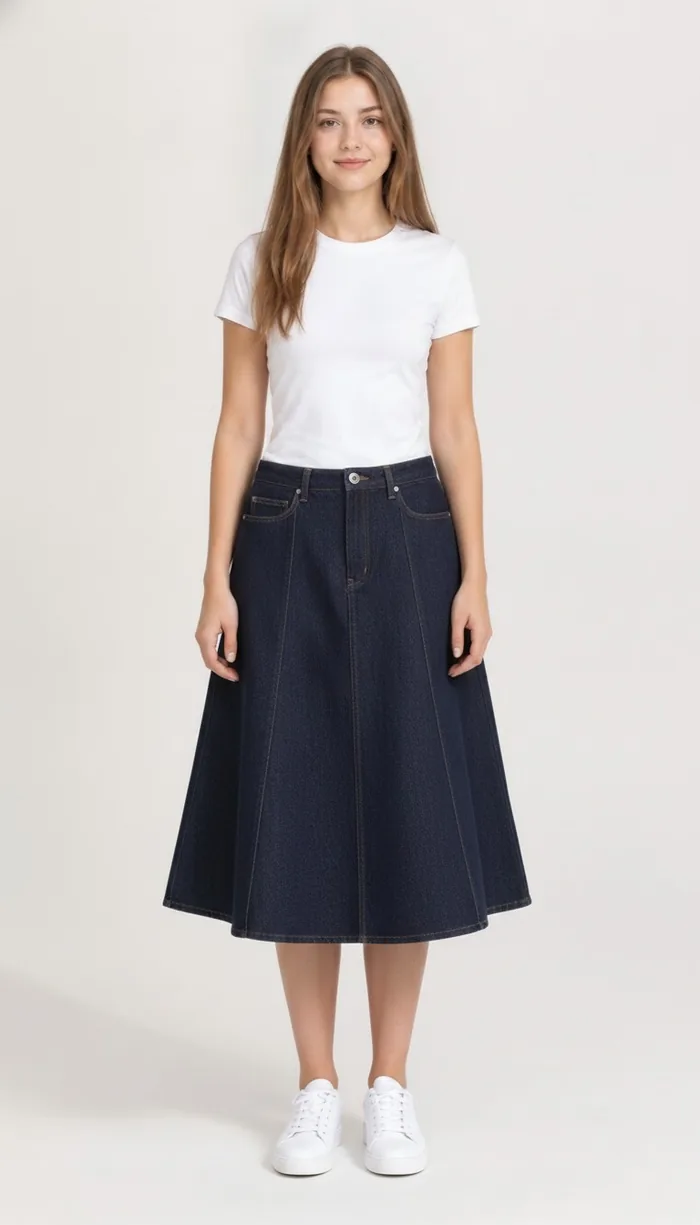
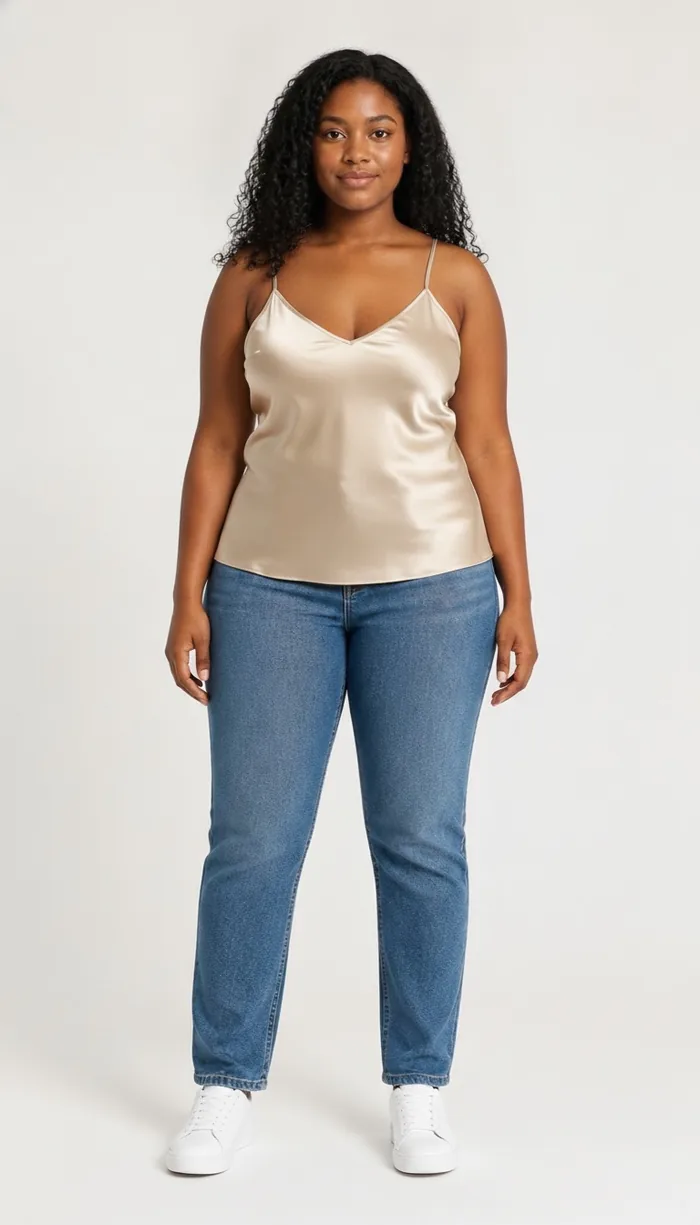
Example results produced with DrapeAI. The garments shown are our own and are not products of any retailer.
Why try on ASOS pieces first
ASOS is a huge online destination with its own ranges plus many brands, and a wide spread of fits across petite, tall, and curve lines. With that much choice, it's easy to fill a basket with pieces that look great on the model but not on you.
Trying items on virtually narrows the options to looks that genuinely suit your shape and style before you check out.
The decision isn't only which size — it's which cut line
ASOS runs specific fit lines alongside its main range, so the same style can exist in more than one cut designed for different proportions. That's genuinely useful, and it also adds a decision most shoppers skip: you can order the correct size from the wrong line and still get a garment that doesn't sit right.
A size chart can't help with that, because the problem isn't the measurement — it's where the waist, hem and sleeve were designed to land. That's a proportion question, and proportion is exactly what a preview on your own body shows.
Hundreds of brands, no shared size standard
Beyond its own label, ASOS stocks a very large number of third-party brands, each with its own sizing and its own idea of what a medium means. Learning your size on the platform doesn't transfer between them the way it would at a single-brand retailer.
- Check the size guide attached to that specific brand rather than the one you remember from a previous order.
- Use virtual try-on to compare the same style across brands on the same photo.
- For a basket that spans several brands, let the AI outfit generator show which pieces actually combine before you commit to all of them.
Tips for the best results
- Copy an ASOS product link or screenshot the item, then open DrapeAI to try it on.
- Because ASOS spans many brands, fits differ — the visual preview helps alongside each brand's size guide.
- A clear full-body photo in natural light produces the most realistic try-on.
- ASOS baskets usually span several brands at once. Preview each with virtual try-on, then let the AI outfit generator show which of them actually work together.