

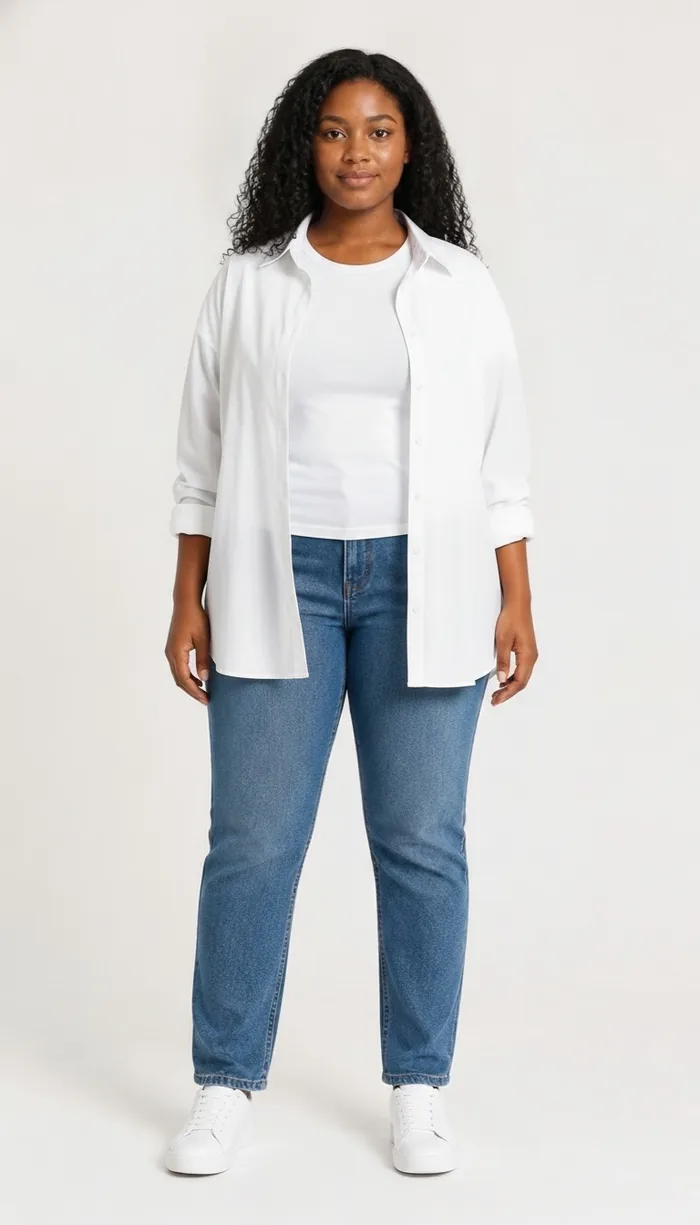
How to try on Trendyol items with DrapeAI
- Find the item on Trendyol — the English storefront works the same as the Turkish one — and copy the product link.
- Paste it into DrapeAI and pick the image you want; if the results miss it, upload a screenshot. Trying on clothes from a link works the same from either storefront.
- Preview it on your photo or custom avatar and judge the silhouette rather than the seller's size label.
- Order the size you've seen, and check that specific seller's measurements rather than assuming a standard.
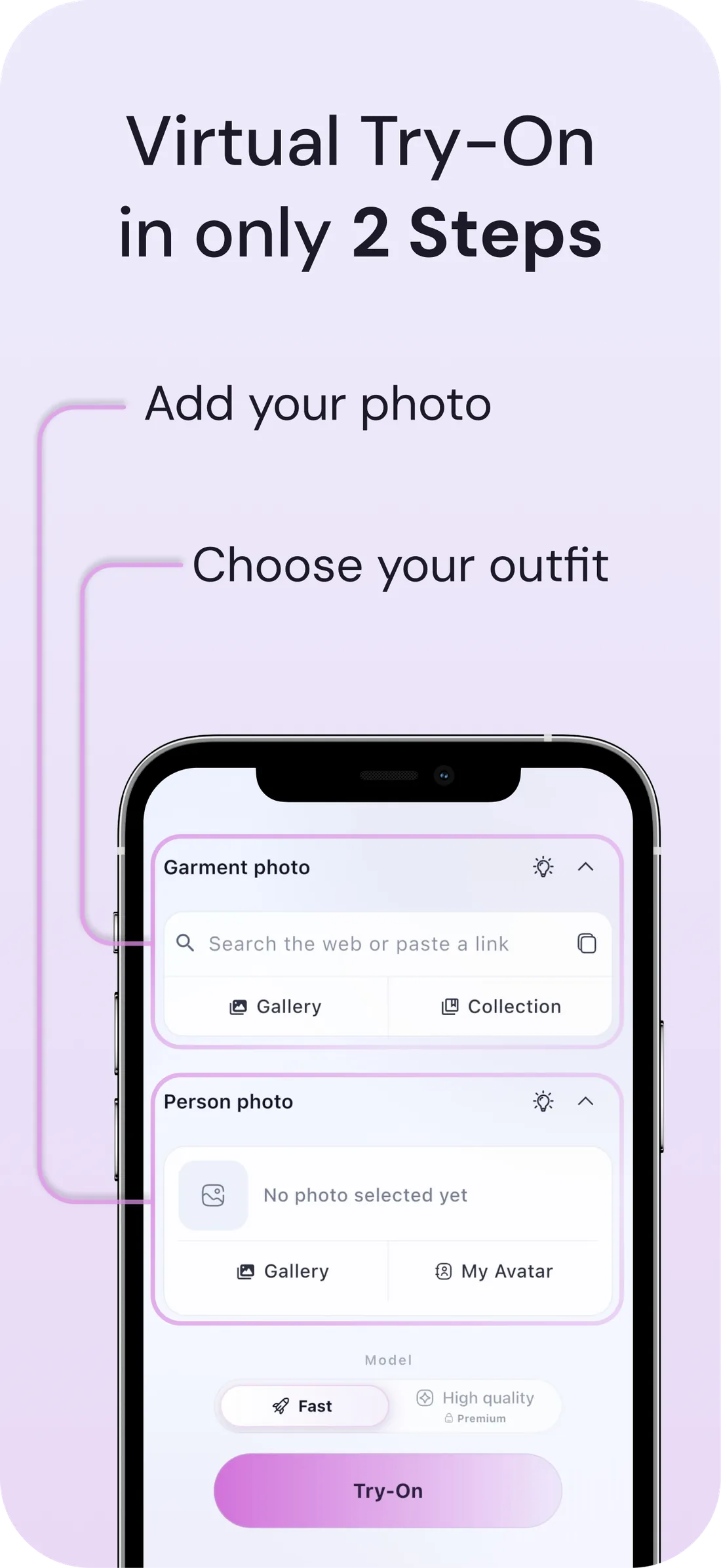
What a DrapeAI result looks like
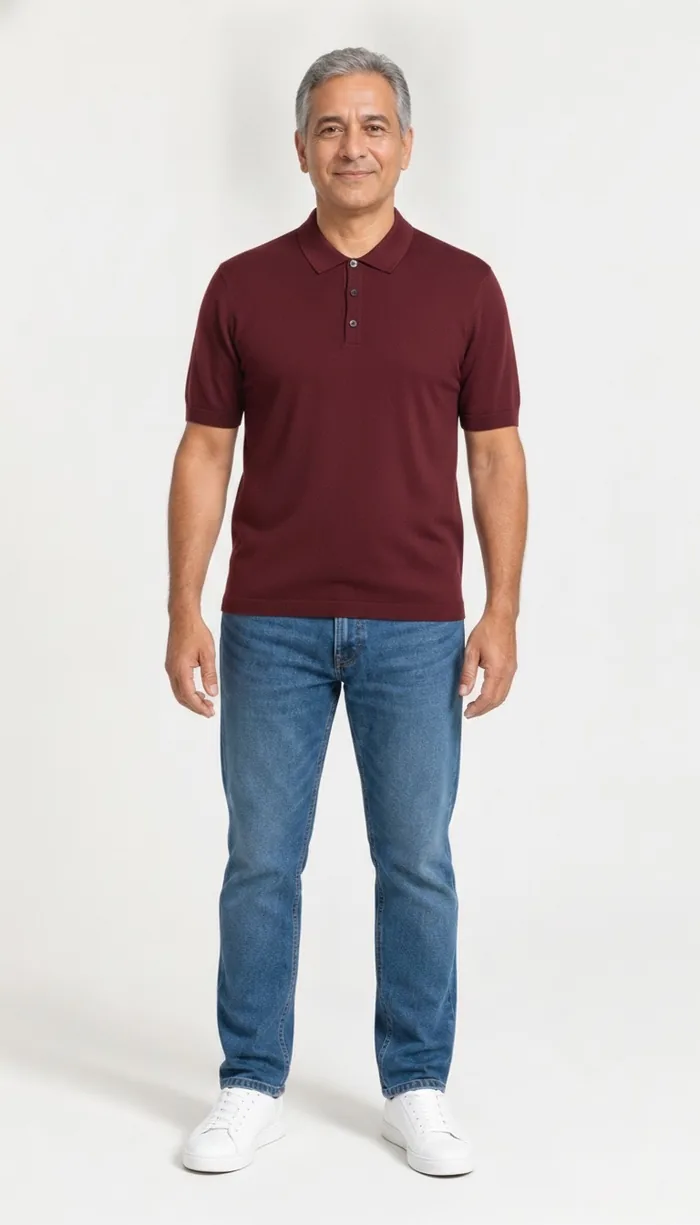
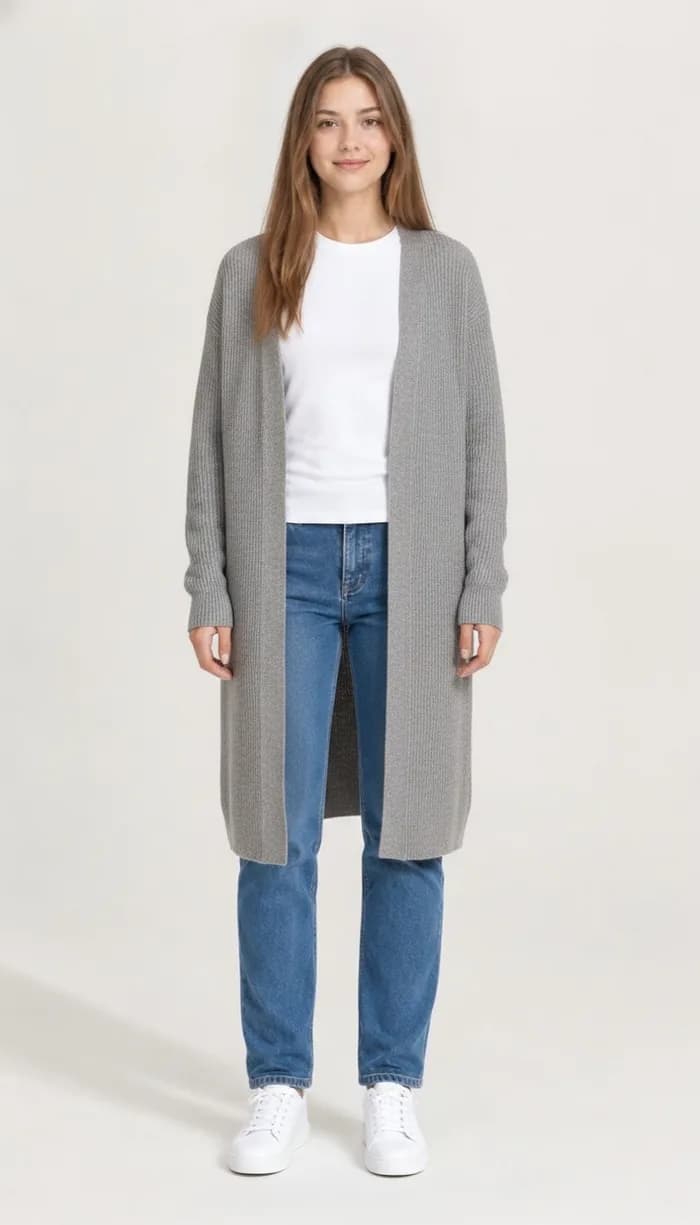
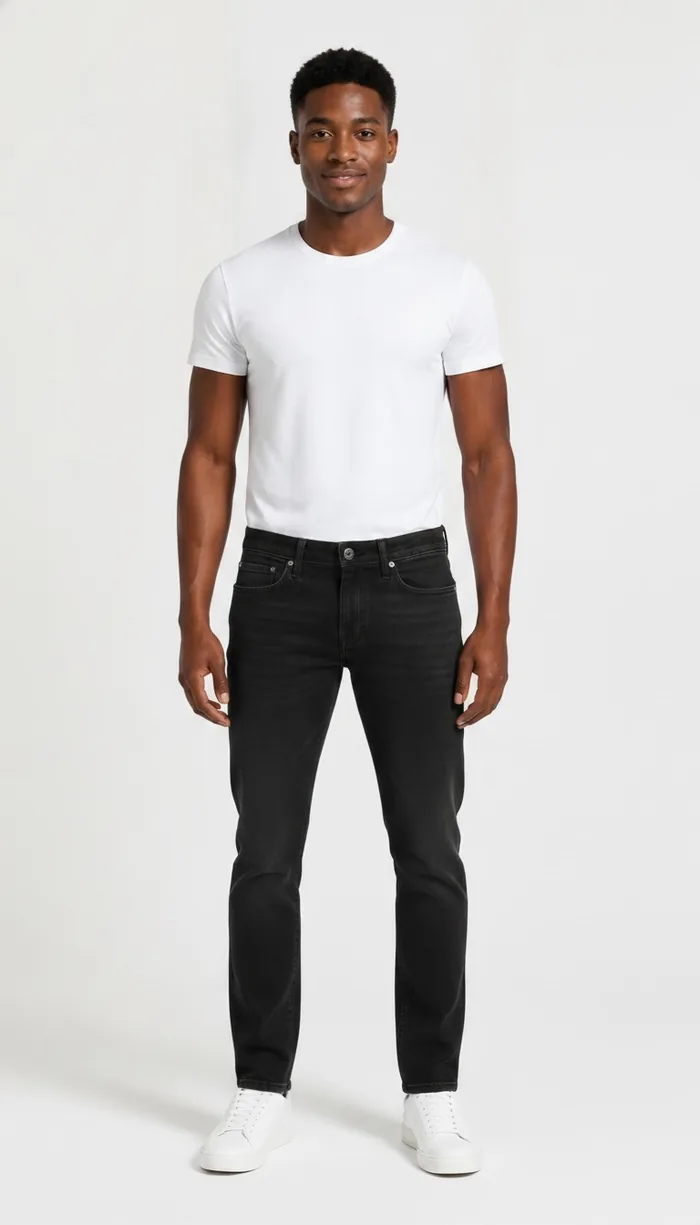
Example results produced with DrapeAI. The garments shown are our own and are not products of any retailer.
Why try on Trendyol pieces first
Trendyol is Turkey's largest online fashion destination and now ships well beyond it, with an English-language storefront and delivery across Europe and the Gulf. The range spans its own labels, established Turkish brands, and a very long tail of independent sellers.
That marketplace structure is the whole appeal and the whole problem. You get enormous choice and prices that undercut the European high street, but there is no single size standard behind it. Each seller sets their own, and the model photo you're looking at was shot by that seller, not by a central studio.
Why marketplace sizing is its own problem
On a single-brand site, learning your size is a one-time cost. You buy a medium, it fits, and every future medium is a reasonable bet. A marketplace breaks that: your size is only meaningful within one seller's range, and the next item in your basket may come from a completely different workshop.
Product photography compounds it. Sellers shoot their own images, on their own models, in their own lighting, with wildly varying standards. Two listings for visually identical dresses can represent very different garments — and nothing on the page tells you which.
Previewing on your own body sidesteps the labelling entirely. You're not trying to decode what this particular seller means by L; you're looking at how the shape sits on you.
Where previewing helps most on Trendyol
Some categories absorb sizing variance. These don't:
- Own-label and independent-seller dresses — where the same size code covers very different cuts.
- Denim — rise and leg shape vary enormously across sellers, and the photo rarely shows the back.
- Knitwear and outerwear — bought for a season, so a return cycle can cost you the weather you needed it for.
- Occasion and modest wear — length and coverage are the point, and both depend on your proportions.
- Bulk orders — the basket that was cheap enough to gamble on is the one that generates the most returns.
Buying from abroad changes the maths
If you're ordering from outside Türkiye, a return isn't a walk to a parcel shop — it's international shipping, longer timelines and sometimes customs to unpick. The cost of a wrong size goes up sharply the further the parcel travels.
That's the case where a preview earns its keep most clearly. Getting the decision right before checkout is worth far more when getting it wrong means a fortnight and a courier form.
Tips for the best results
- Check the individual seller's measurements table — on a marketplace it's the only size information that actually applies to that item.
- Screenshots work as well as links, which helps for sellers whose pages don't share cleanly.
- Comparing four similar listings from different sellers? Preview each on the same photo so you're judging the garments, not the photography.
- Ordering from several sellers at once? Add what arrives to your digital wardrobe so the AI outfit generator can build looks across them rather than leaving each order isolated.