



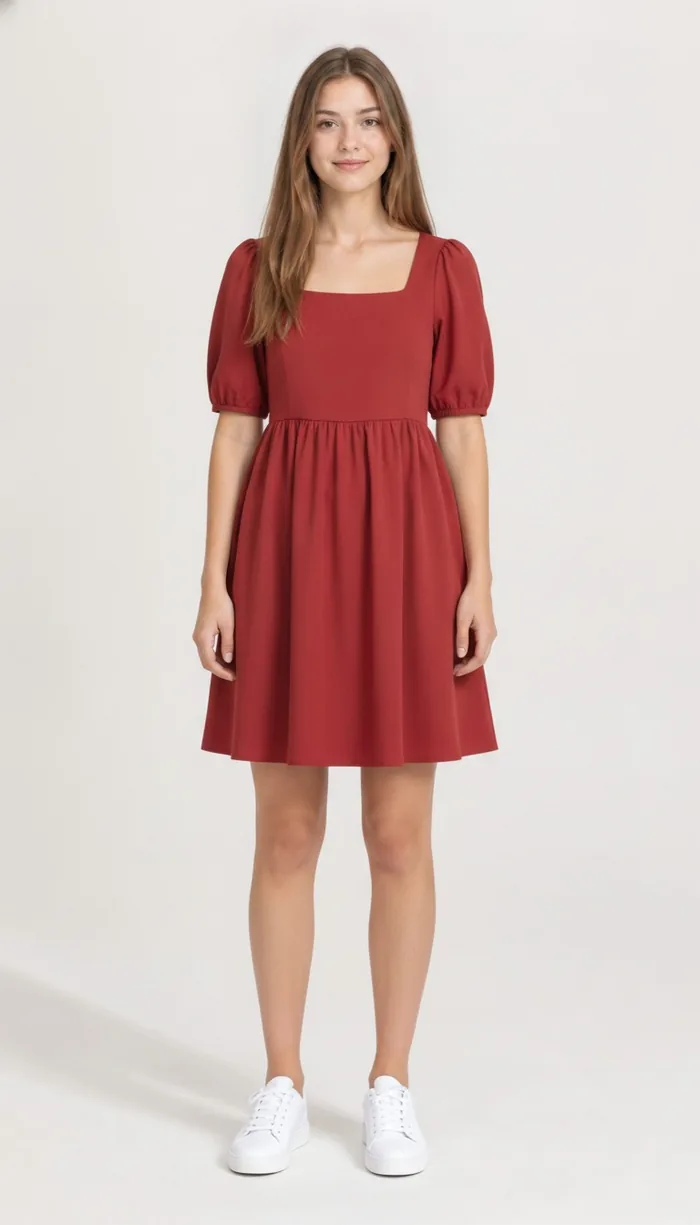
How to try on Shein items with DrapeAI
- Screenshot the piece straight from your feed, or copy its Shein product link.
- Drop it into DrapeAI before it reaches the basket — that ordering matters here.
- Preview it on a full-body photo and judge the shape, not the price.
- Keep the ones that worked. A basket of three you've seen beats a basket of twelve you haven't.
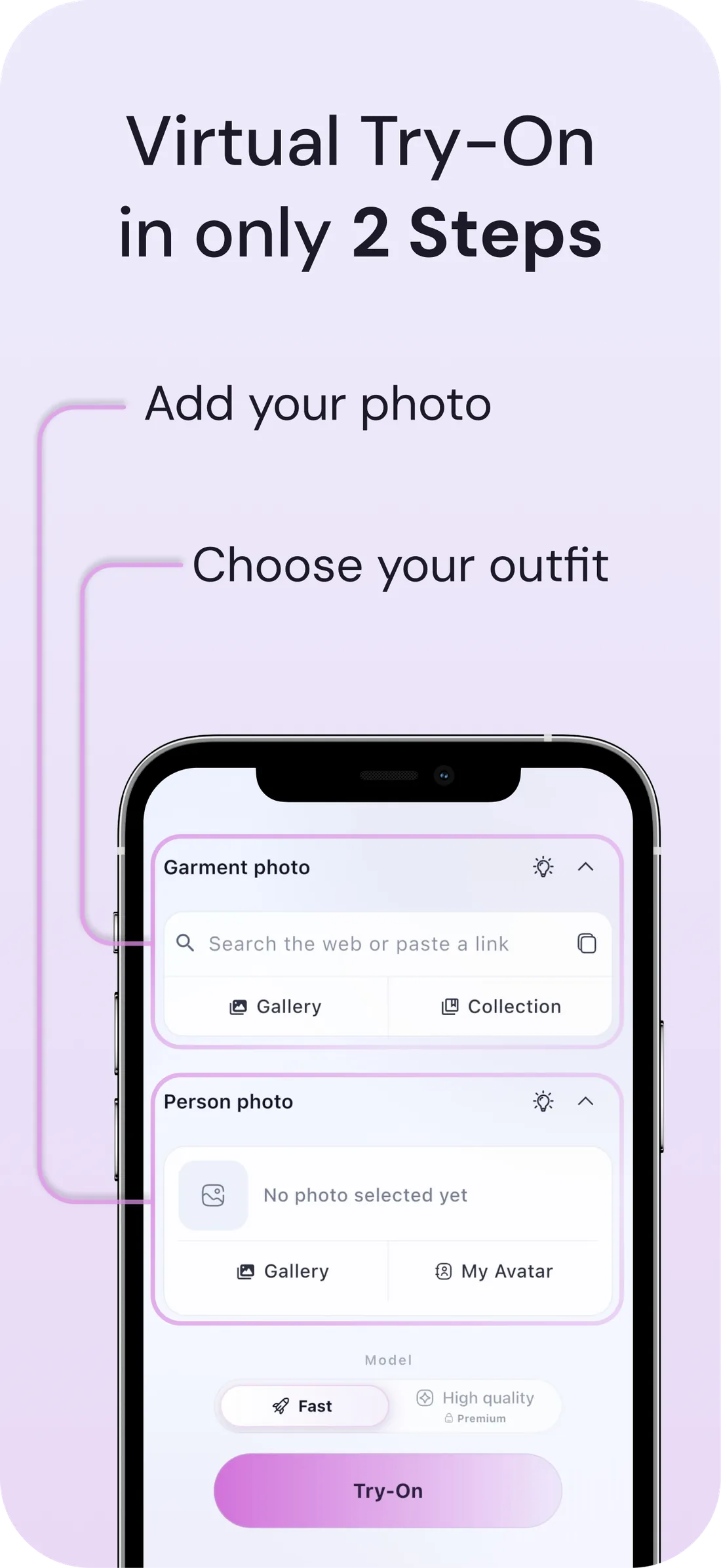
What a DrapeAI result looks like
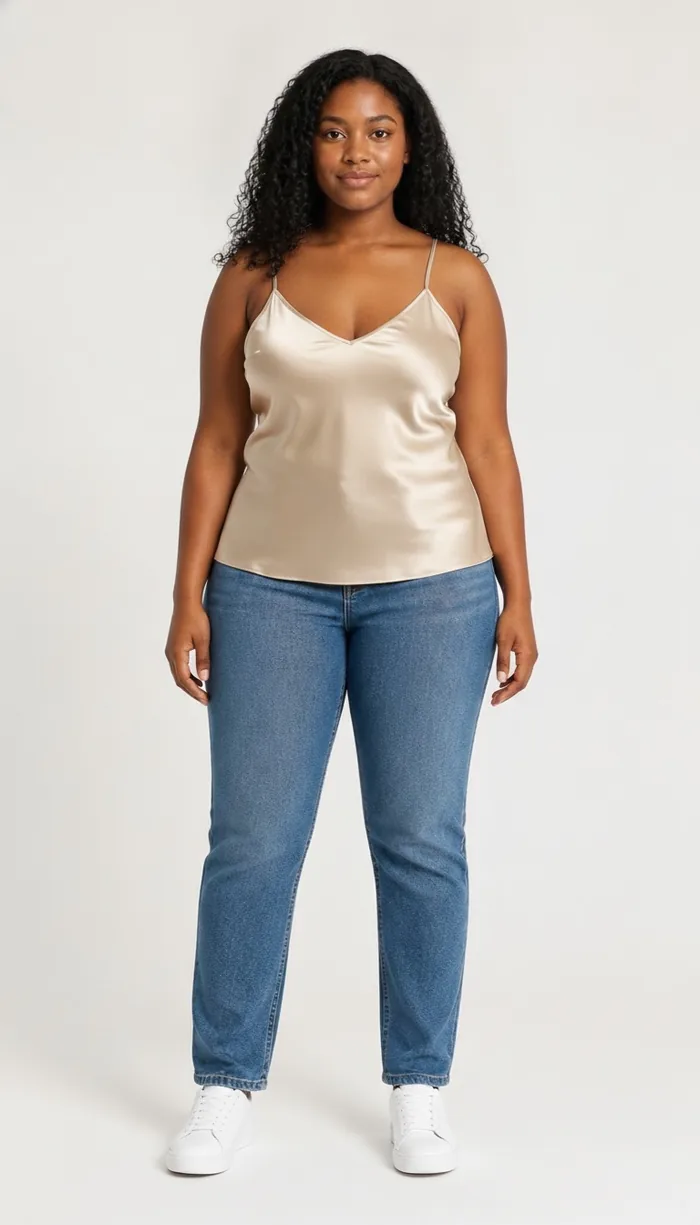
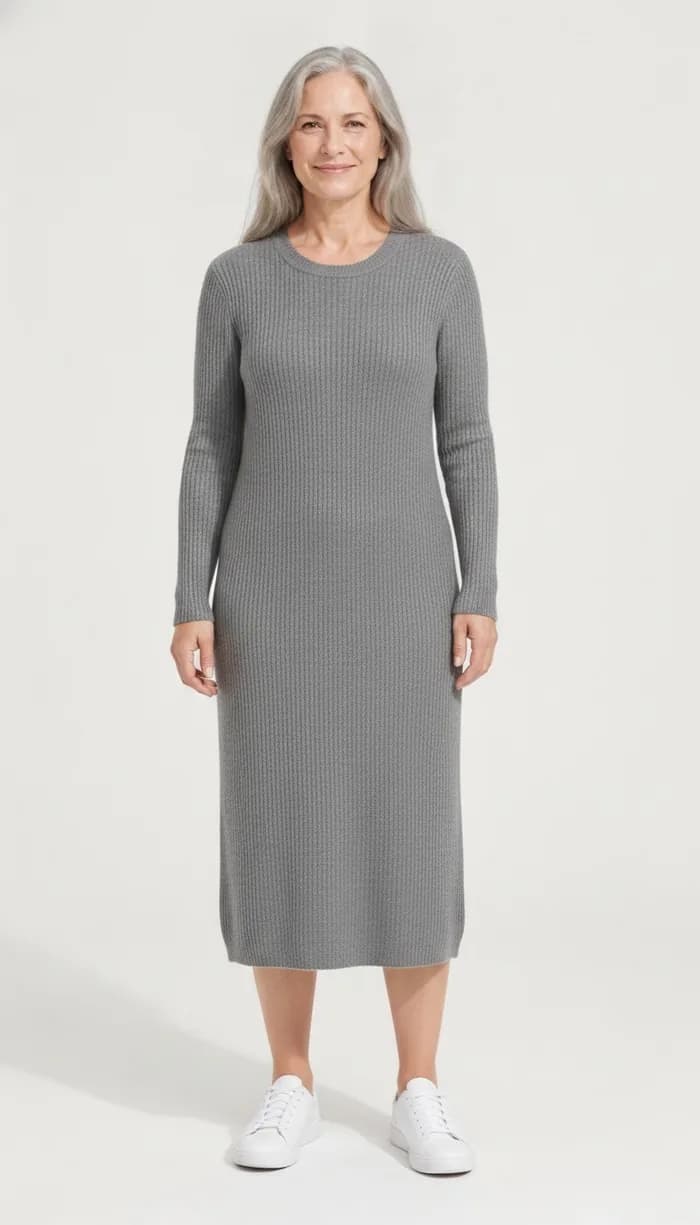
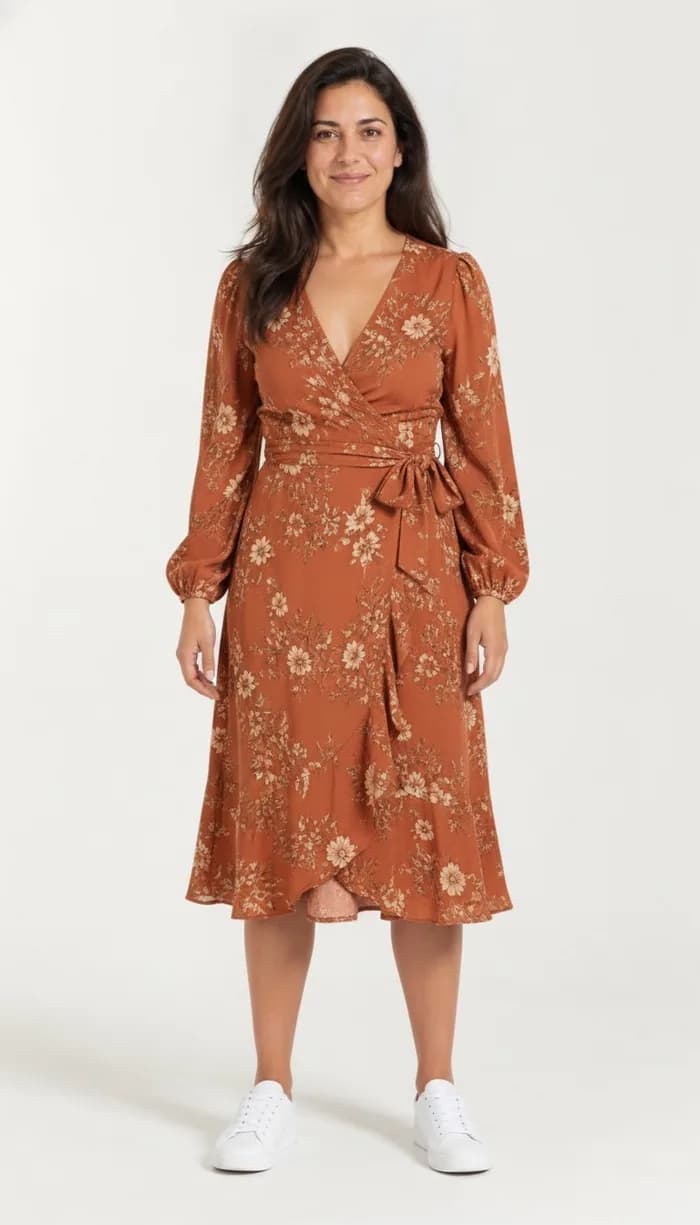
Example results produced with DrapeAI. The garments shown are our own and are not products of any retailer.
Why try on Shein pieces first
Shein offers a vast, fast-changing range at very low prices, which makes it tempting to over-order and sort it out later. The downside is inconsistent sizing and a lot of returns or unworn pieces.
Trying items on virtually before checkout is especially useful here: you can sift the huge catalog down to the looks that actually suit you, and avoid the bulk-buy-and-return cycle.
A low price switches off the part of you that evaluates
Most people apply real scrutiny to an expensive purchase and almost none to a cheap one. At Shein's price point the internal question quietly changes from "does this suit me" to "why not, it's only a few pounds" — and that's how baskets reach double figures.
The cost doesn't disappear, it just moves. It shows up as parcels you don't open twice, a drawer that fills, and returns you never get round to making. Previewing restores the evaluation step without making you feel like you're overthinking a cheap top.
Shopping from a feed rather than a shop
A lot of Shein buying doesn't start on Shein. It starts on TikTok or Instagram, where the piece is on someone else, moving, well lit, and styled. By the time you reach the product page you've already decided.
That's the moment a preview is worth most, and it's why screenshots work as well as links here — you can bring the piece straight from the video that sold it to you and see the same garment on your own body first.
Sizing that changes between listings
Shein's range is produced across a very large number of suppliers, which is why shoppers so often report that sizing varies from item to item rather than following one house standard. Your size on the last order is weak evidence for the next one.
The practical consequence is that the per-item measurements matter more than the letter on the label, and that a visual preview does the job the letter can't: showing you where the garment actually falls on your frame. Read the measurements, then look at the shape.
Tips for the best results
- Copy a Shein product link or screenshot the item, then open DrapeAI to try it on.
- Shein sizing runs inconsistent — pair the visual try-on with the product's size chart.
- A full-body, evenly lit photo gives the AI the best base for a realistic preview.
- Ordered several pieces at once? Add them to your digital wardrobe so the AI outfit generator pairs them with each other instead of leaving them as separate impulse buys.