

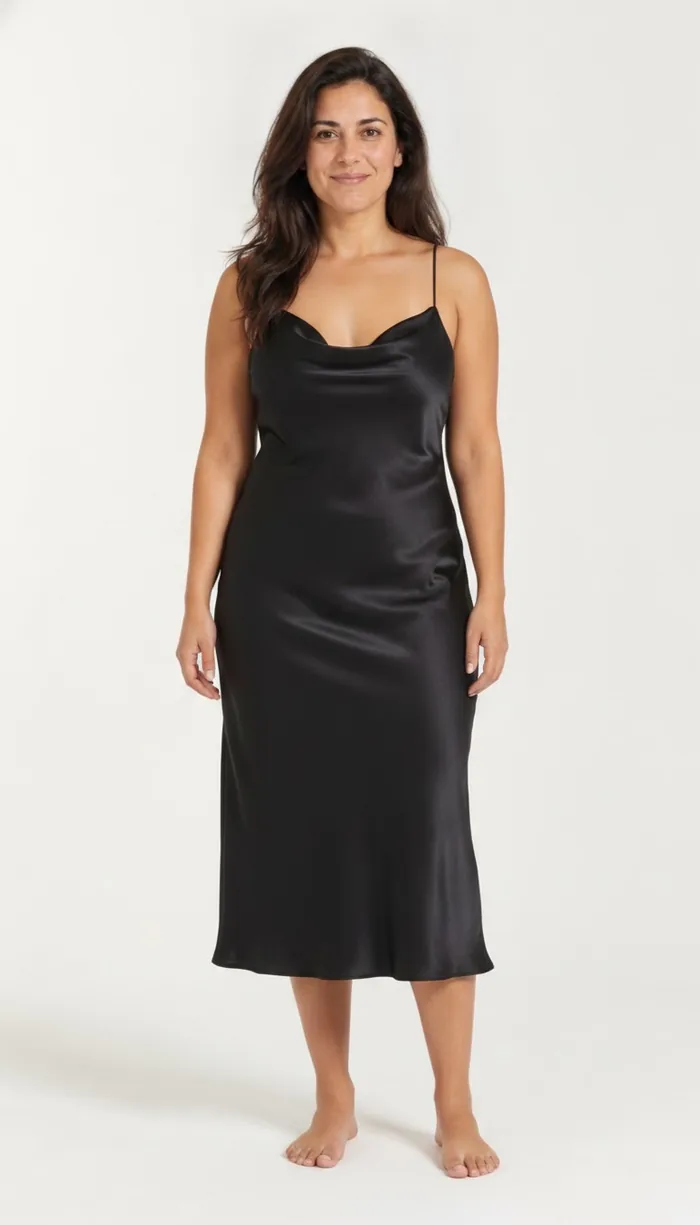
How to try on boohoo items with DrapeAI
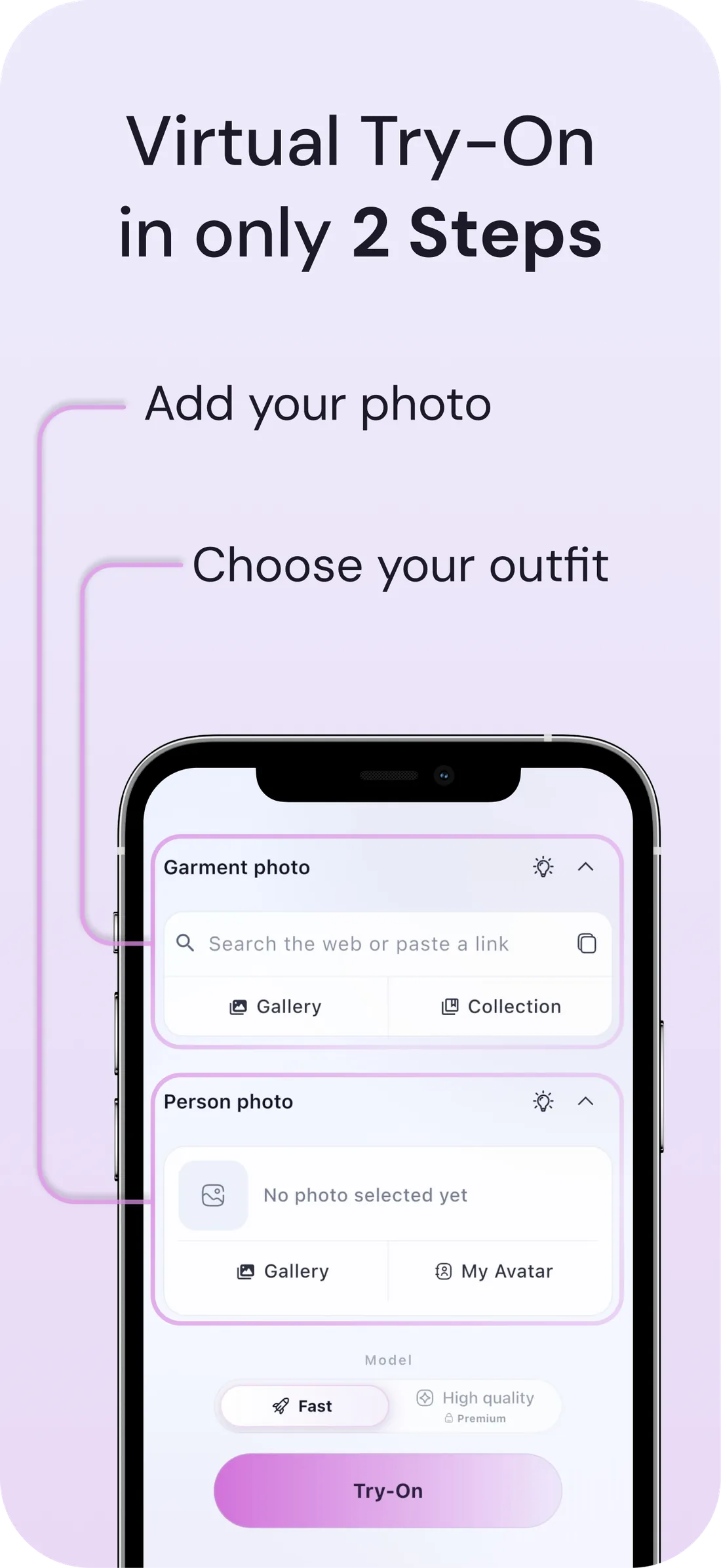
- Copy the product link from the boohoo app or site, or screenshot the piece.
- Paste it into DrapeAI and pick from the images it finds, or upload the image directly. Here's how link try-on works.
- Preview it on a full-body photo before it goes anywhere near the basket.
- Order the two or three you've actually seen on yourself instead of the eight you were considering.
What a DrapeAI result looks like
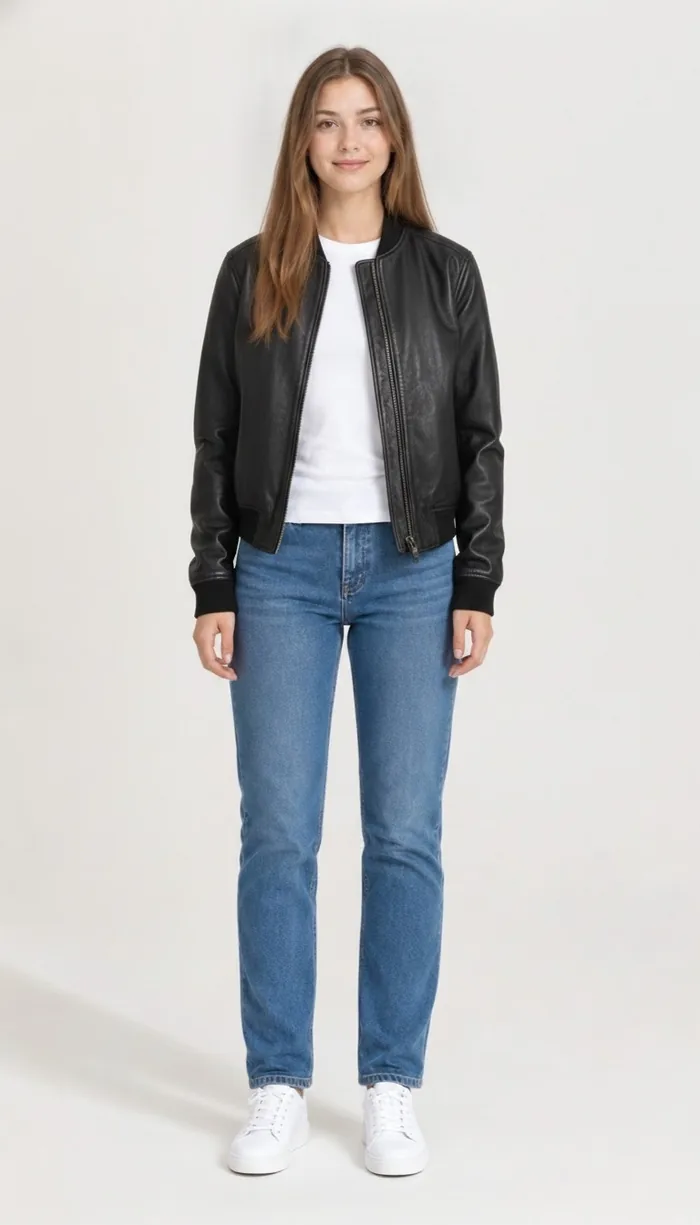
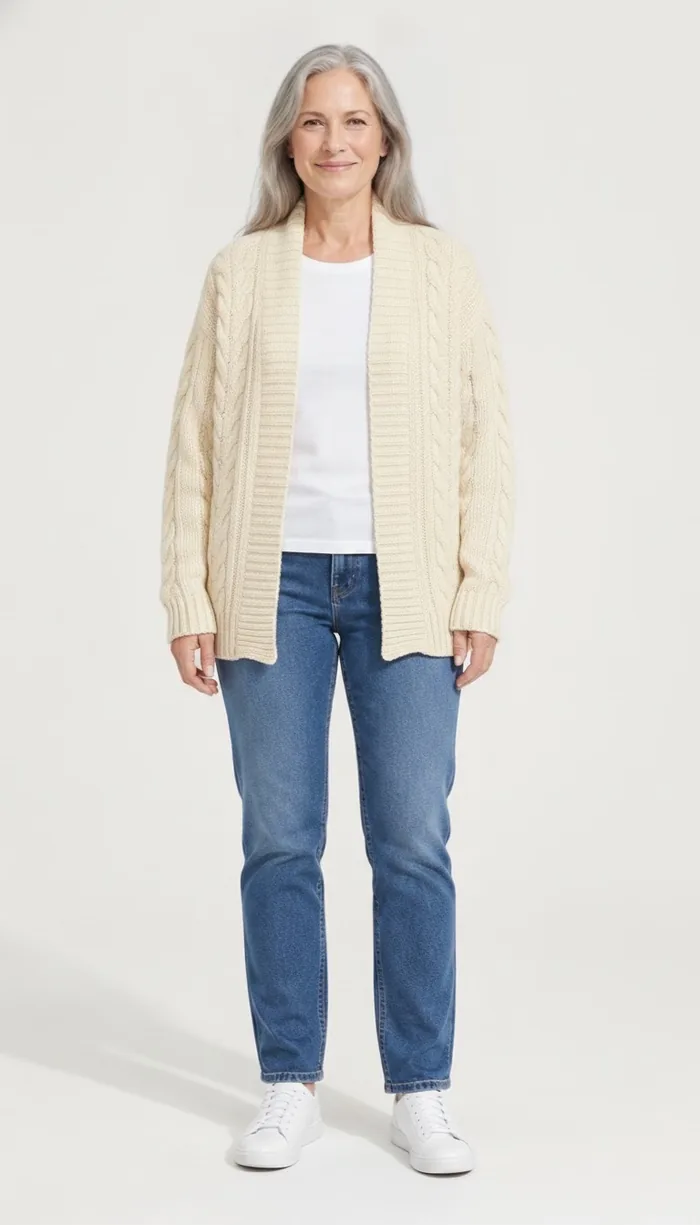
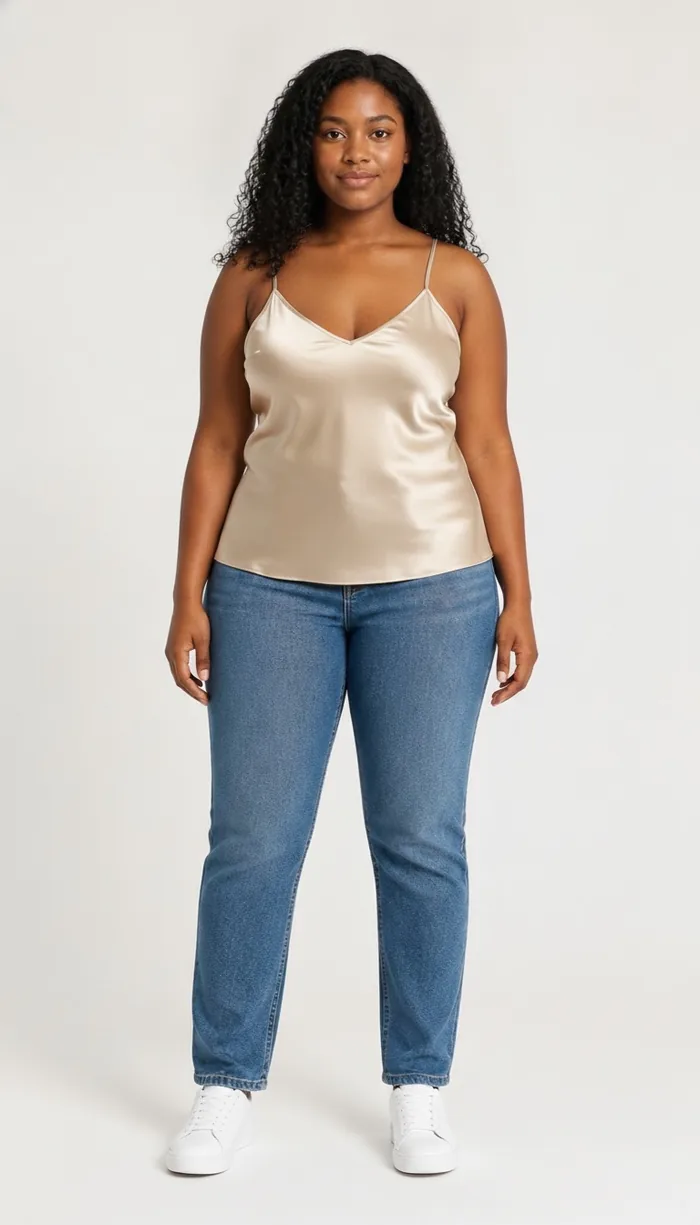
Example results produced with DrapeAI. The garments shown are our own and are not products of any retailer.
Why try on boohoo pieces first
boohoo covers going-out dresses, co-ords, denim, loungewear and occasionwear across a range that changes constantly, with frequent promotions that make adding "just one more" easy. The volume is the appeal and also the problem — the more you order speculatively, the more you send back.
The range also spans several fit lines, so the same style can exist in different cuts. That's genuinely useful, but it means the decision isn't only which size — it's which version of the garment was designed for your proportions.
The bulk-order habit, and what it actually costs
Ordering multiple sizes and returning the rest feels free. It isn't — it's your time packing parcels, the wait for refunds, and a shipping footprint generated for garments nobody wore. At a retailer with this much choice, the habit compounds quickly.
A preview won't tell you how a fabric feels. What it will do is remove the items that were never going to work from the order in the first place, which is where most of the waste sits.
Where previewing pays off most at boohoo
Sizing is commonly reported to vary between ranges, so the styles below are worth seeing on yourself first:
- Going-out and bodycon dresses — close-fitting, so proportion is the whole decision.
- Co-ord sets — two pieces that have to work together on one body.
- Denim — cut varies widely across ranges, and the rise decides the look.
- Occasionwear — bought for a fixed date, so a failed delivery means no outfit.
Working with a catalogue this large
The hardest part of shopping a range this big isn't finding something you like — it's narrowing thousands of options down to the handful worth ordering. Filters get you to a category. They don't tell you which of the forty black dresses on the page suits your shape.
Previewing turns browsing into shortlisting. Instead of adding twelve maybes to a basket and letting the parcel decide, you see each candidate on your own body and cut the list before you pay. The order that arrives is smaller, and far more of it stays.
That's also the difference between a wardrobe that grows and a drawer that fills. Pieces chosen because you saw them on yourself get worn; pieces chosen because they were cheap and might work usually don't.
Tips for the best results
- Preview before you add to basket, not after — the point is to shrink the order, not to check it.
- Comparing several dresses for one night out? Save each preview and view them together rather than in sequence.
- Already own half the outfit? Add those pieces to your digital wardrobe so the new item is judged in context.
- Shortlisting for one night out? Let the AI outfit generator finish the look, so you're not buying a dress and then hunting for everything that goes with it.