

What 360° Look actually is
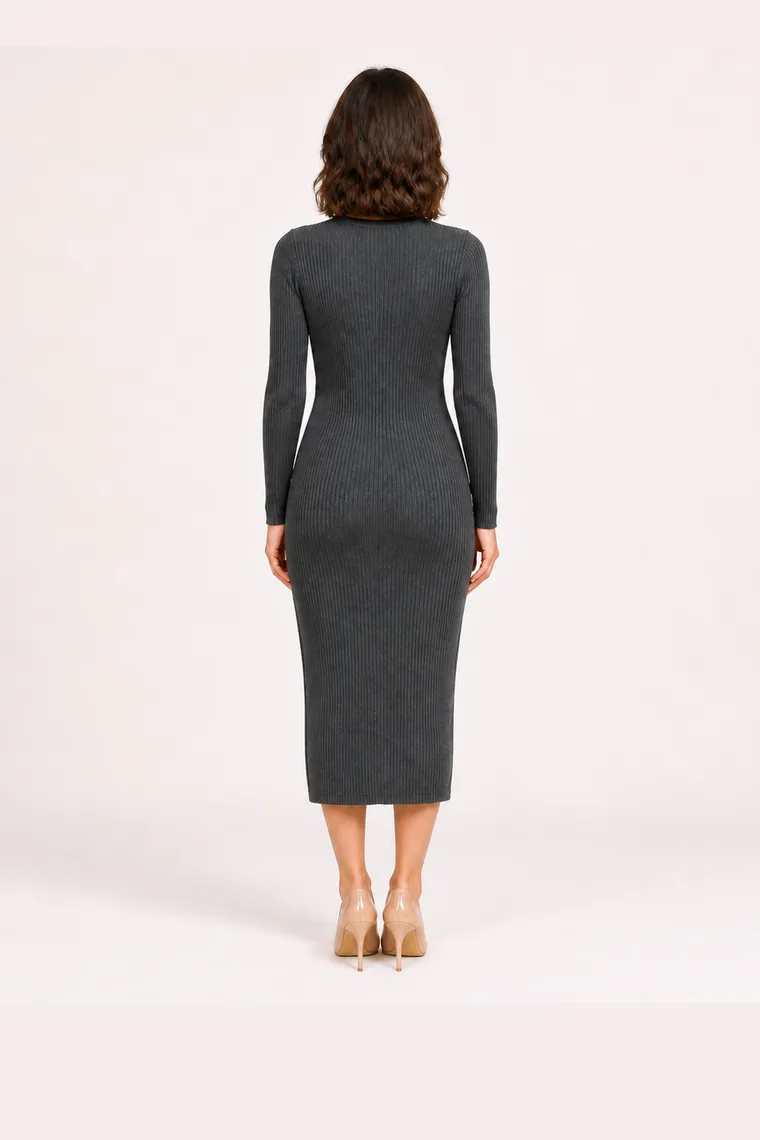
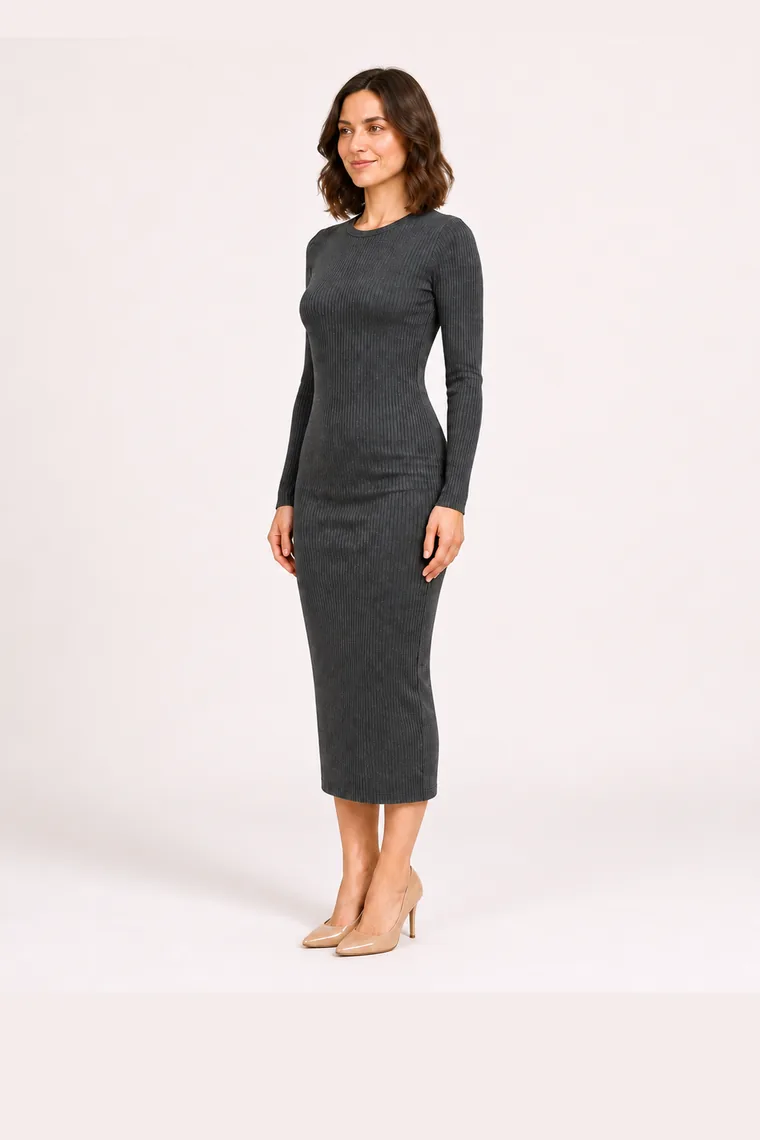
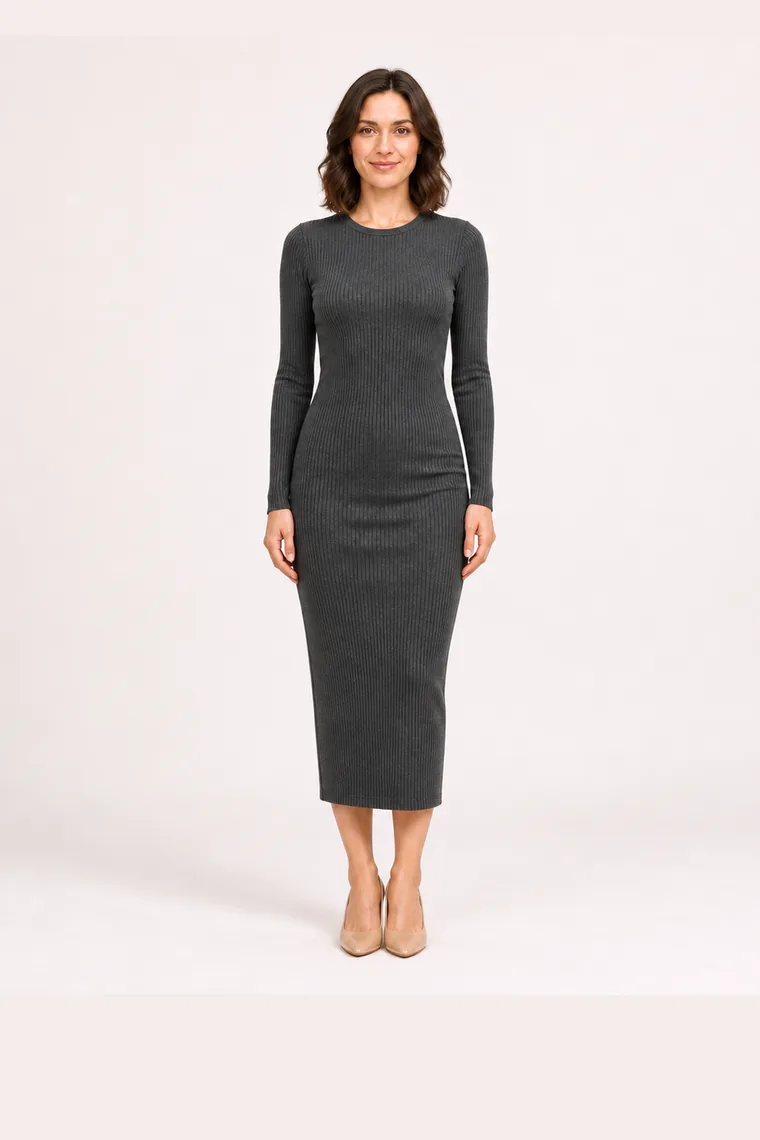
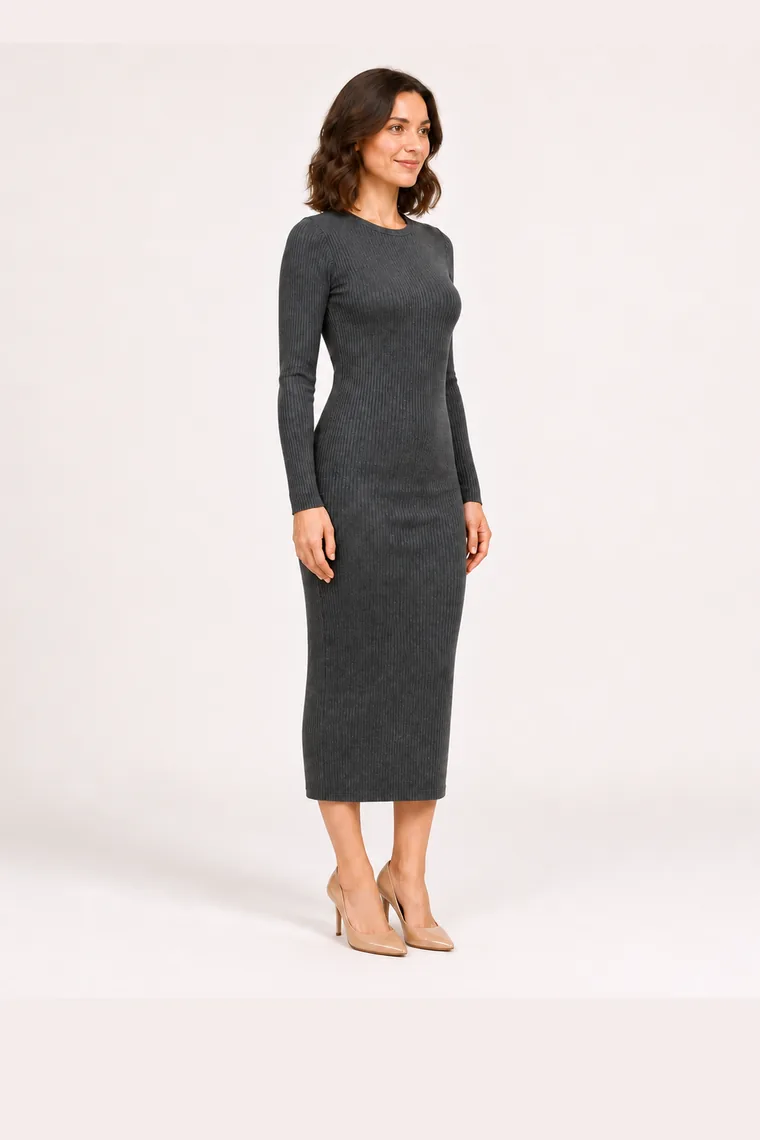
360° Look is not a 3D scan and we do not pretend otherwise. It takes your existing try-on result and generates four AI-predicted views of the same look — front, right, back and left — which you can swipe through as one continuous rotation.
That distinction matters. A 3D scan measures your body with a depth sensor. 360° Look infers what the other sides plausibly look like from a single image. It's very good at silhouette, drape and length; it is not a tailoring measurement.
Why the back matters more than you'd think
Most returns aren't about colour — they're about how something sits. A blazer that looks sharp from the front can bunch across the shoulders. A midi skirt can read completely differently once you see the hem from behind.
Seeing four angles before you order removes the part of online shopping you can't check: everything the product photo chose not to show you.
- Check how a hem falls at the back, not just the front.
- See whether a jacket's silhouette works from the side.
- Judge length and proportion on your own body, from every side.
How to create one
Start from a try-on you've already made — 360° Look builds on that result rather than starting over, so the garment and the person stay consistent across all four angles.
- Run a normal try-on with your photo or your avatar.
- On the result, choose 360° Look.
- Swipe to rotate between front, right, back and left.
- Share it as a rotating GIF or a four-angle collage.