
How to try on Pull&Bear items with DrapeAI
- Copy the product link from the Pull&Bear app or site, or screenshot the piece if you spotted it elsewhere.
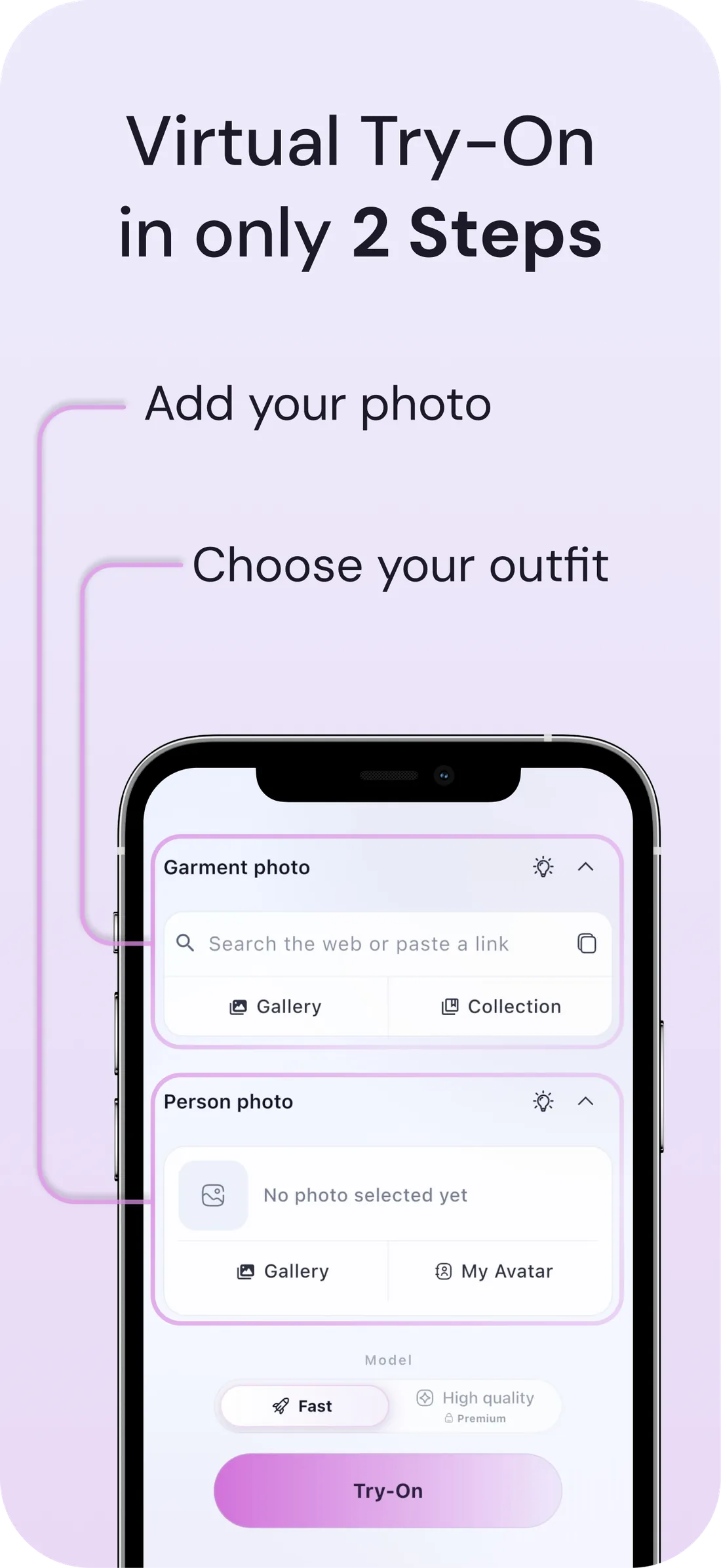
- Open DrapeAI and paste the link, then pick the image you want — or upload the image directly. More on trying clothes on from a link.
- Preview it on your photo or avatar and check the length, the shoulder drop, and how the volume sits.
- Add the pieces you keep to your digital wardrobe so future outfits get built around what you own.
What a DrapeAI result looks like
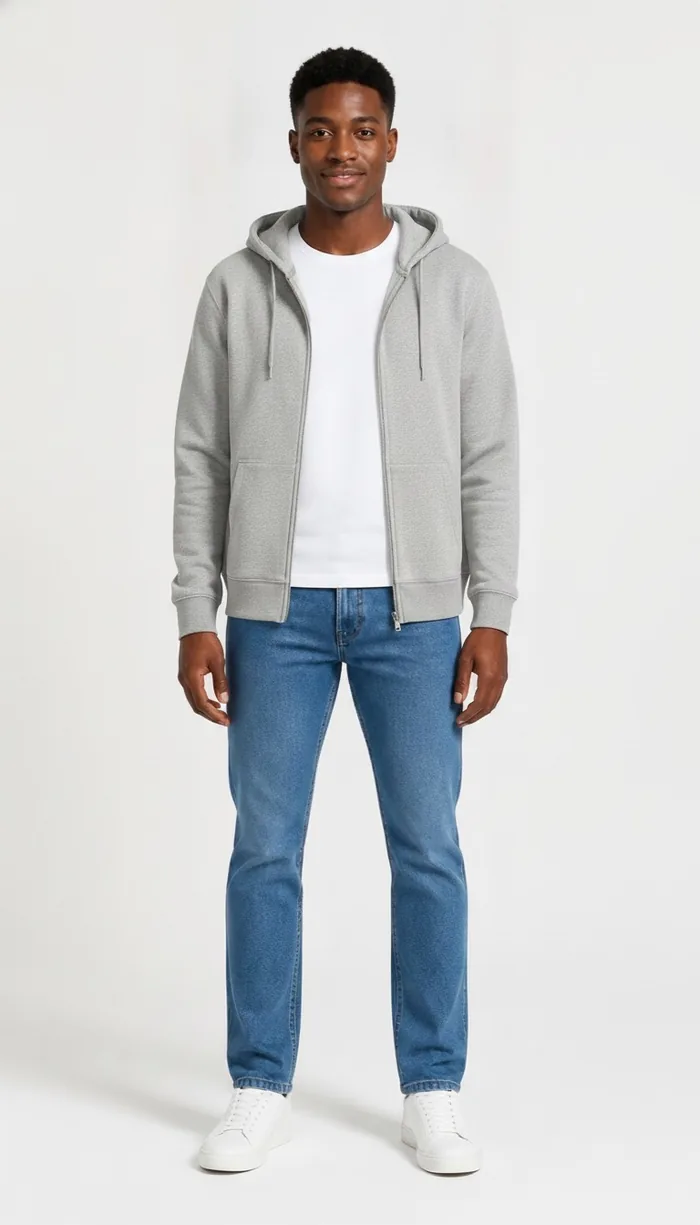
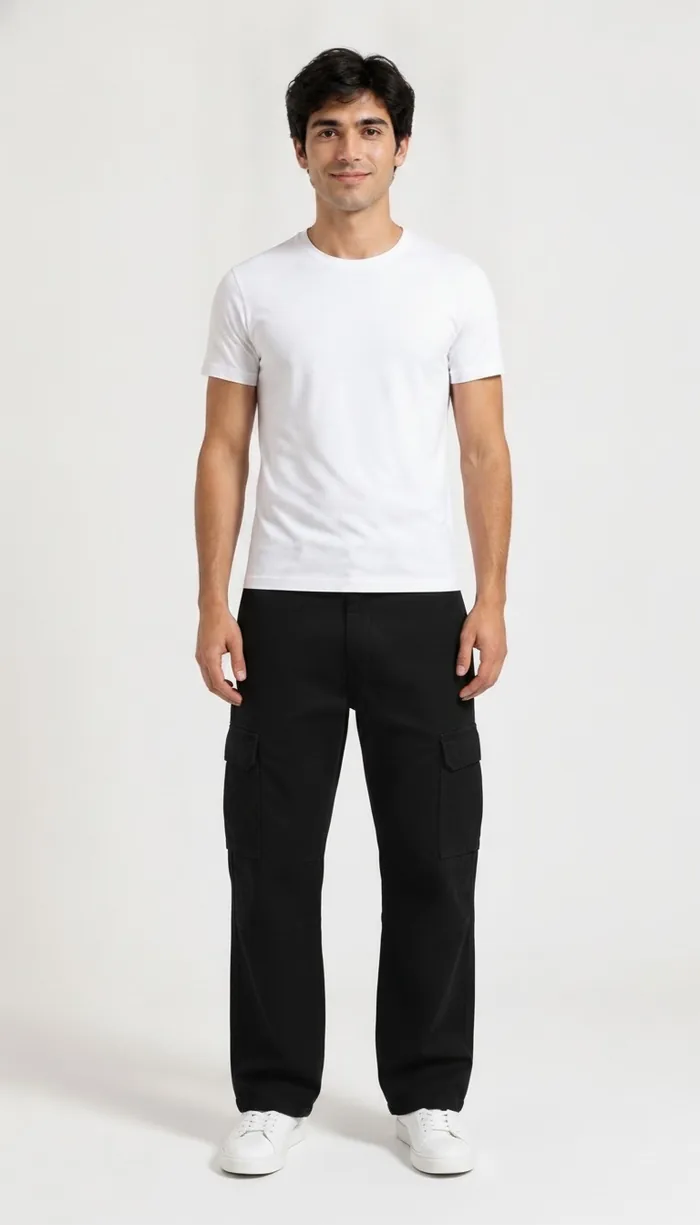
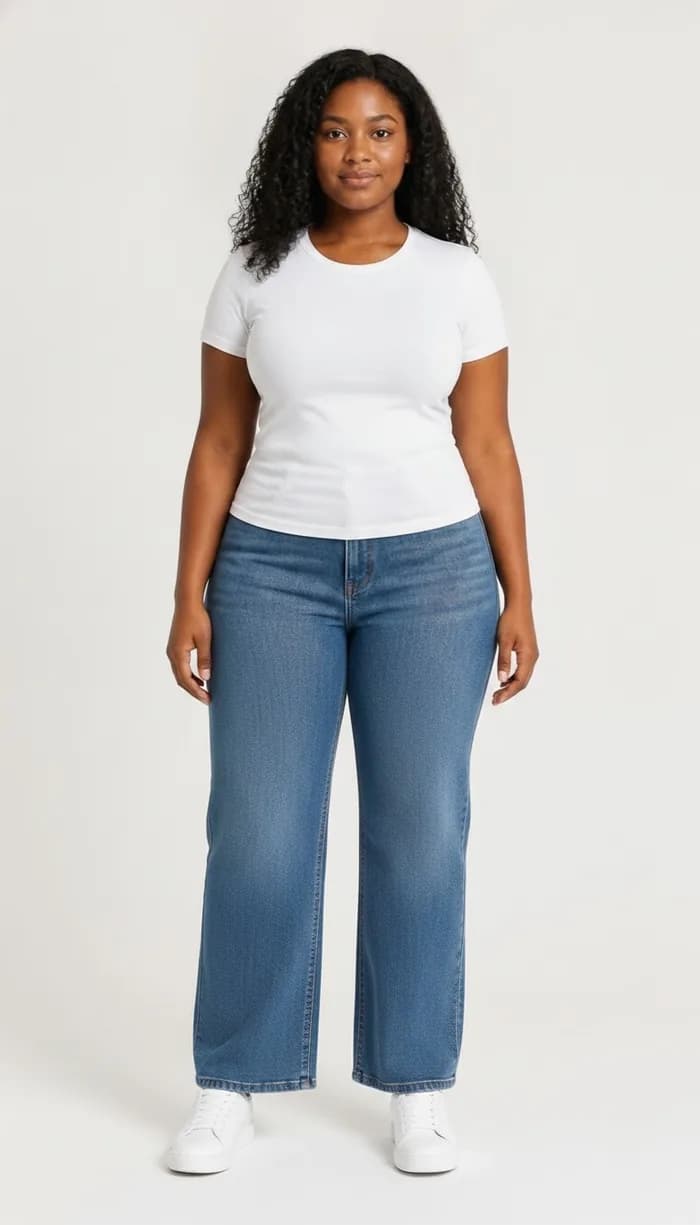
Example results produced with DrapeAI. The garments shown are our own and are not products of any retailer.
Why try on Pull&Bear pieces first
Pull&Bear's cuts are deliberately loose and lived-in: baggy carpenter trousers, boxy overshirts, faded tees, utility jackets. It's a wardrobe built for layering, and layering is the one thing product photography is worst at communicating. You see the piece alone, on a rail or a model, styled with things you don't own.
The practical question isn't "does this fit" — most of it will. It's "does this work over the shirt I already have, and does the length make sense with the trousers I actually wear". That's a question about your wardrobe, not about the garment.
The layering problem, and how previewing solves it
An overshirt is only as good as what goes under it. A cargo trouser only works at a length that suits your leg. When every piece is designed to be combined, judging one in isolation is close to useless — and yet that's exactly what an online product page asks you to do.
Trying the piece on your own body at least removes half the guesswork: you see the real proportion against your frame rather than against a stylist's. Pair that with a wardrobe you've already photographed and the AI outfit generator can show the piece inside a full look instead of on its own.
Where Pull&Bear fits are hardest to call
Relaxed cuts hide sizing problems until the parcel arrives. These are the categories worth previewing:
- Cargo and carpenter trousers — the leg width and length change the entire stance of an outfit.
- Overshirts and utility jackets — designed to go over things, so the fit question is really a layering question.
- Washed and boxy tees — where a couple of centimetres of length is the whole look.
- Hoodies and sweats — bought loose on purpose, which makes the size chart unhelpful.
Buying for a wardrobe, not for a single outfit
Pull&Bear rewards buying in threes. A washed tee, an overshirt and a pair of cargos bought together will be worn in more combinations than three unrelated pieces bought over three months — but only if they actually work with each other, and with the things already in your drawer.
This is where previewing changes from a sizing check into a planning tool. Once your existing clothes are photographed into a wardrobe, you can see the new overshirt over the tee you already own, rather than imagining it. The piece stops being a gamble and becomes a decision.
It also exposes the duplicate purchase — the third black hoodie in a slightly different wash — which is the quietest way a casualwear wardrobe stops growing and starts repeating.
Tips for the best results
- Photograph yourself in a plain fitted top — it gives the AI a clean base and makes layered previews read more accurately.
- Judging a piece meant to be worn open? Preview it both ways before deciding on the size.
- Building a full outfit rather than buying one item? Try it alongside virtual try-on for the pieces you already own.