How trying on from a link works
There is no store integration to set up. DrapeAI reads the product name in the link you paste, searches the web for images of it and shows you what it finds. You choose the picture you want to wear.
- Copy the link. On the product page in a store's app or website, use Share → Copy link. DrapeAI doesn't appear in the share menu, so copy and paste is the way in.
- Paste it into DrapeAI. On the Try-on screen, paste it into the bar that says "Search the web or paste a link".
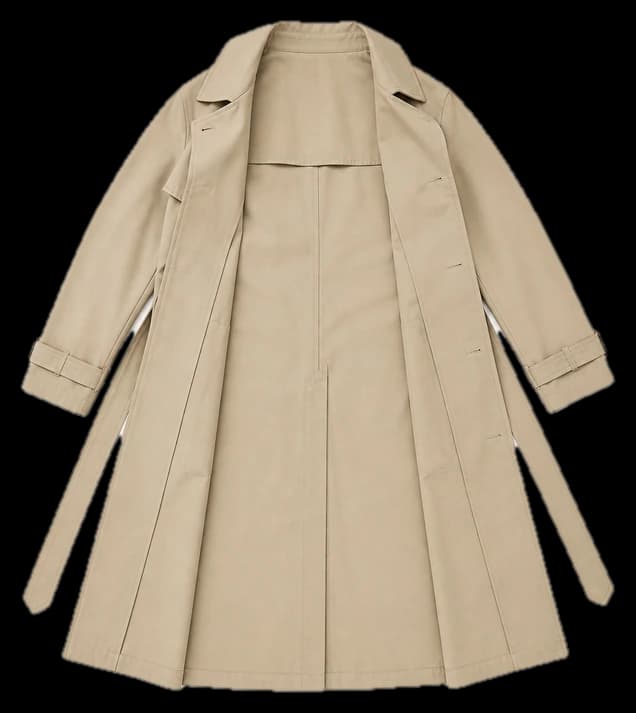
- Pick the image you want. DrapeAI turns the link into a search and shows the images it finds. Tap the one you want and crop it to the garment if the picture shows a whole outfit.
- Choose who wears it. Take a photo, pick one from your gallery, or use your avatar or one of the ready-made models.
- See the result. Save it, share it, add it to a collection, or turn it into a 360° Look to see the back and sides.
Why start from a link instead of a template
A preset catalogue tells you whether you like the idea of a white shirt. It doesn't tell you whether you like the white shirt sitting in your basket — with its collar, its length and its exact shade.
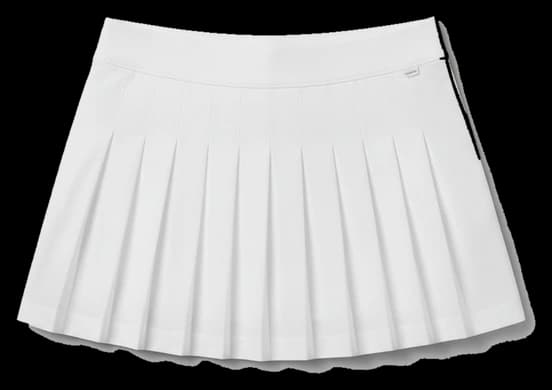
Starting from a link means the preview starts from the piece you were already looking at. And because the link can come from any shop, you can try a Zara blazer and a Trendyol skirt the same way, in one app, before deciding which one to order.
Which stores work
Any store with a product page. The link doesn't have to come from an approved list — DrapeAI only reads the words in it, so a link from a small boutique is handled the same way as one from a large retailer.
For the stores people ask about most, we've written separate guides with sizing and shopping notes: Zara, H&M, Shein, ASOS, Zalando, Mango, Bershka, Pull&Bear, Uniqlo, Nike, Massimo Dutti, boohoo, PrettyLittleThing, Trendyol, Koton and LC Waikiki.
DrapeAI is an independent app and is not affiliated with, endorsed by or sponsored by any of these retailers. Store names are used only to describe where a link comes from.
When the link doesn't find your piece
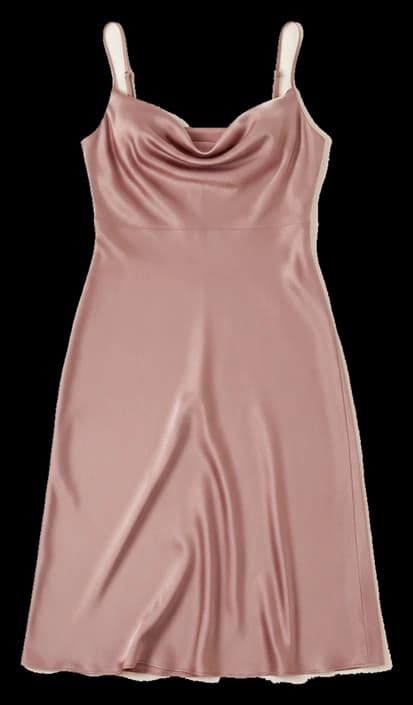
Because DrapeAI searches with the words in the link, the results depend on what the link contains. A link that spells out the product — "satin-slip-midi-dress", "linen-blend-blazer" — usually brings up the right images. Some stores use links made of little more than a product number, which gives the search almost nothing to go on.
When that happens, you still have two ways in:
- Search by name. Type the product name — and the brand, if it helps — into the same bar instead of the link.
- Upload a screenshot. Screenshot the product photo and add it with the Gallery button. That works for any store, and for pieces you spotted on Instagram, TikTok or Pinterest.
What a try-on can and can't tell you
A try-on from a link is an AI preview. It's good at showing whether a colour suits you, how a cut reads on your frame, and whether a piece works with the rest of what you wear. A front-facing, full-body photo in good light gives the most useful result.
It does not check your size. DrapeAI doesn't read the store's size chart or measure the garment, so pick your size with the store's own size guide and your measurements, and use the preview to decide whether you want the piece at all. For more on how the image is generated, see virtual try-on.