

DrapeAI vs Doji
Doji built its name on hyper-realistic AI avatars. DrapeAI focuses on trying on the actual items you're about to buy, plus a full styling suite. Here's an honest head-to-head.


What a DrapeAI result looks like
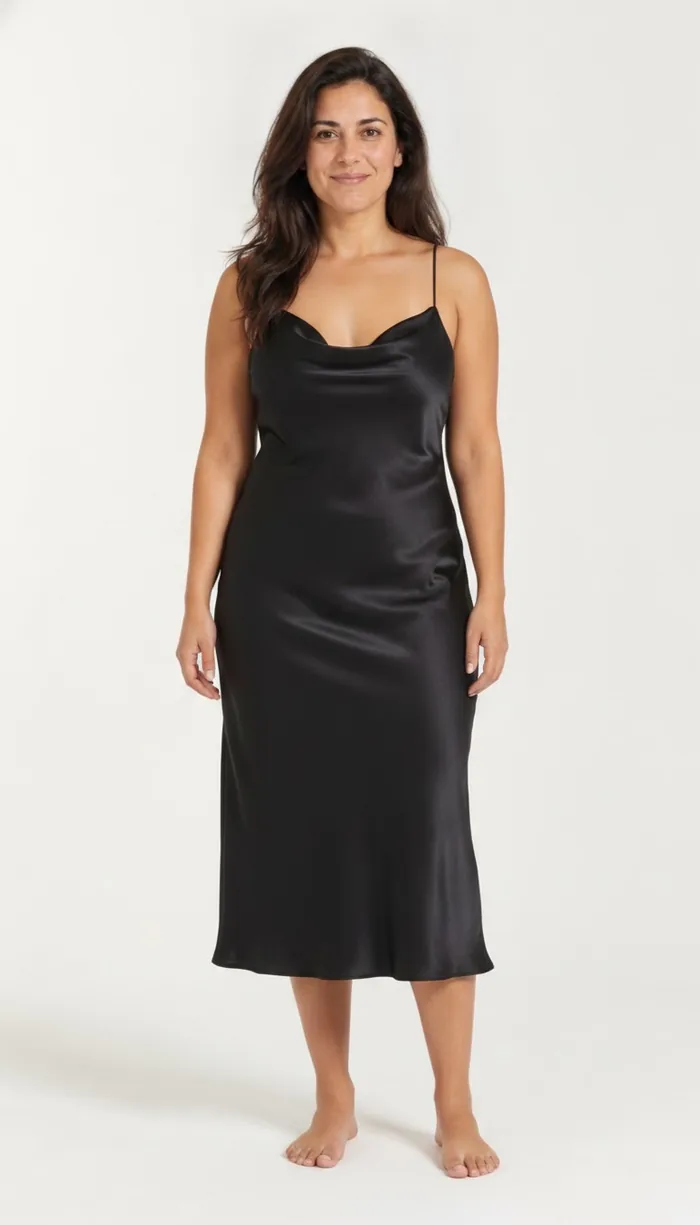
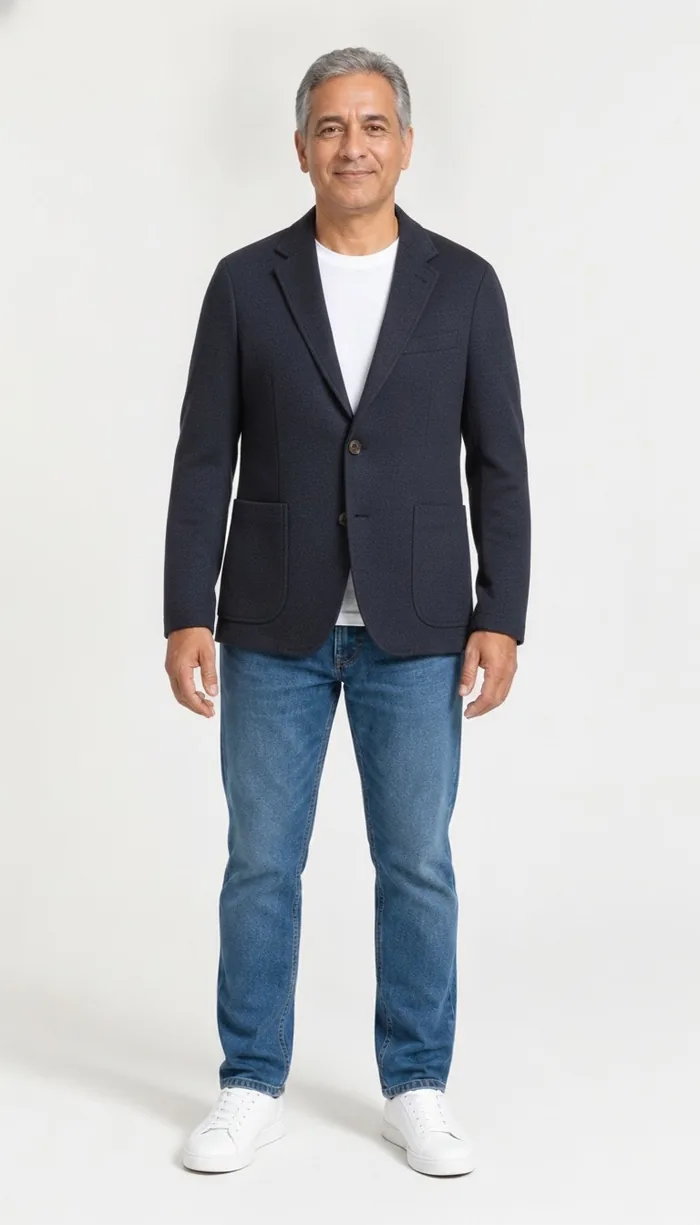
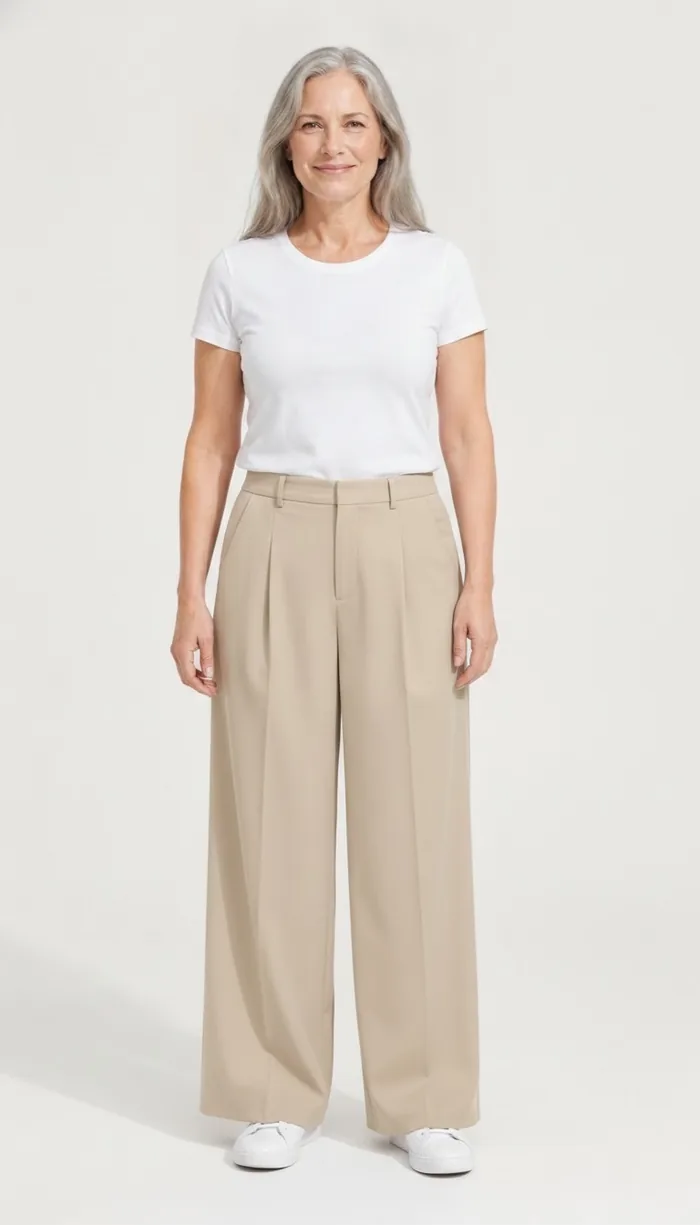
Example results produced with DrapeAI.
Feature comparison
| Feature | DrapeAI | Doji |
|---|---|---|
| Realistic on-body try-on | Yes — on your photo or avatar | On a personal avatar |
| Try the actual item via product URL | Yes — paste any product link | Yes — paste links |
| Custom avatar | Yes — custom avatar studio | Yes (avatar-first) |
| AI outfit generator | Yes | No |
| Digital wardrobe | Yes | No |
| Outfit calendar / planning | Yes | No |
| Platforms | iOS & Android | iOS (invite-only) |
| Free tier | Yes | Invite-only |
Where DrapeAI wins
- Available right now on both iOS and Android — no invite needed.
- Goes beyond try-on with an AI outfit generator, digital wardrobe, and outfit calendar.
- Try the exact product you're shopping for by pasting its link.
Where Doji wins
- Avatar realism is Doji's core strength — its diffusion-based digital twin is impressive.
- Fun, social, shareable avatar looks.
Which one is better for you?
Choose DrapeAI if: You want to try on the real items you're buying, on any phone, with styling and wardrobe tools in one app.
Choose Doji if: You mainly want the most lifelike avatar experience and don't mind iOS-only, invite-based access.
Avatar-first and garment-first are different bets
Doji's design starts with you: build a convincing digital double, then dress it. DrapeAI starts with the garment: take the item you're about to buy and render it onto your photo or avatar. Both end with a picture of you in clothes, but they optimise for different moments.
An avatar-first approach is strongest for exploring — trying on a season's worth of looks for fun, sharing results, seeing yourself in things you'd never order. A garment-first approach is strongest at the checkout page, when there's one specific item and one specific decision to make.
Neither is a substitute for the other. The practical question is whether you spend more time browsing or more time deciding.
Where the two diverge beyond try-on
Try-on is where the comparison usually starts, but it isn't where most people spend their time. What surrounds it decides whether an app stays on your phone.
- DrapeAI pairs try-on with an AI outfit generator, a digital wardrobe and an outfit planner, so a preview can become a saved look and then a planned day.
- Doji concentrates on the avatar and the try-on experience itself, which keeps it focused and makes the result highly shareable.
- If you want to try the exact product you're buying, pasting its link matters more than avatar fidelity. If you want the most convincing likeness of yourself, it's the other way round.
Frequently asked questions
Is DrapeAI or Doji better for trying on clothes before buying?
Both let you preview clothes, but DrapeAI lets you paste the actual product link you're shopping and try it on your photo or avatar, on iOS and Android, with no invite required. Doji leans on a highly realistic personal avatar and is currently iOS, invite-only.
Is Doji available on Android?
Doji is currently iOS-focused and invite-based. DrapeAI is available on both iOS and Android today.
Does DrapeAI have an avatar like Doji?
Yes. DrapeAI offers a custom avatar built from your measurements, and it also works directly from a single photo.
Explore more
Try on real items, on any phone
Download DrapeAI free on iOS and Android — no invite required.